Receiving Documents
5-16
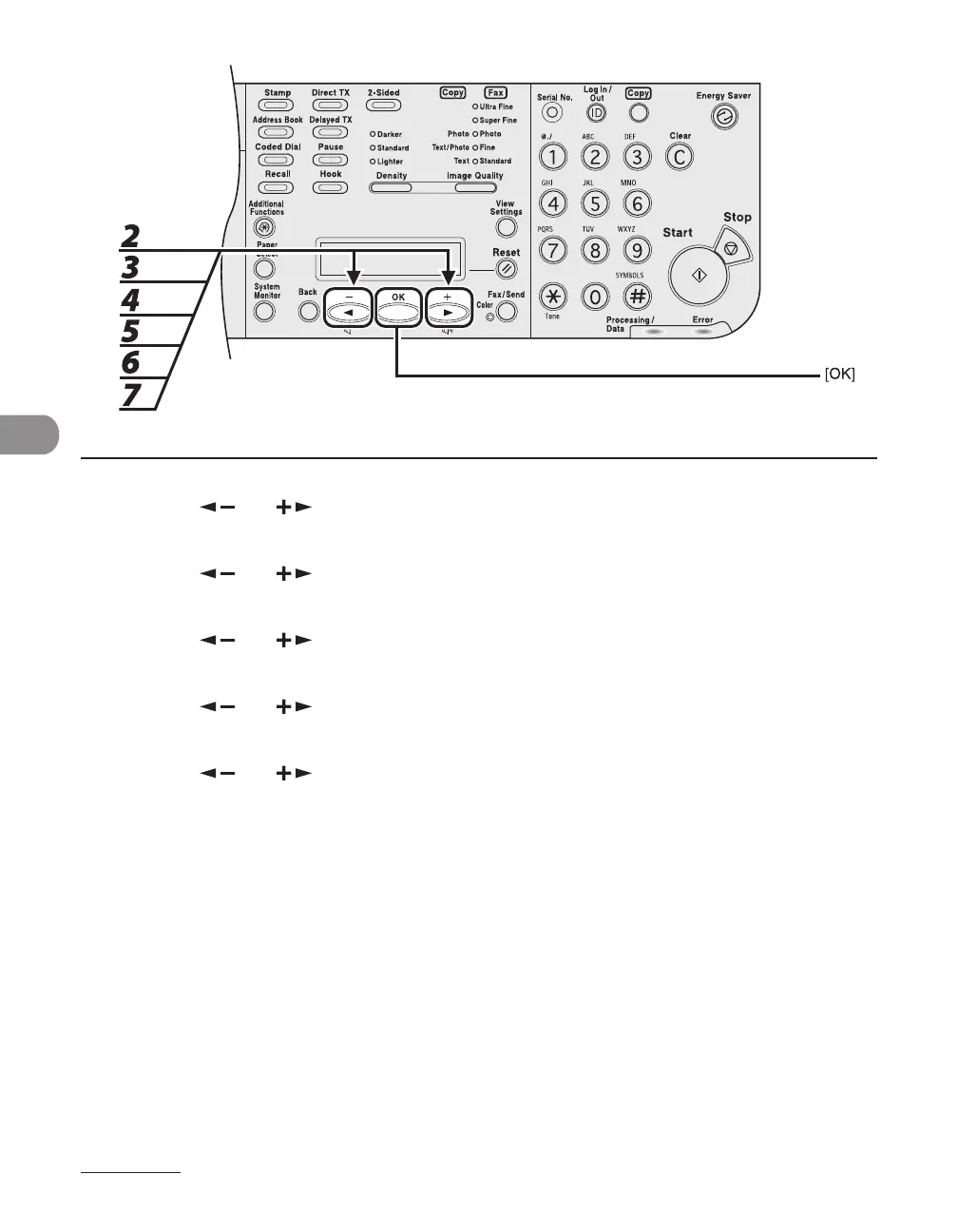
2 Press [ ] or [ ] to select <SYSTEM SETTINGS>, then press [OK].
3 Press [ ] or [ ] to select <FW W/OUT CONDITION>, then press [OK].
4 Press [ ] or [ ] to select <FAX> or <IFax>, then press [OK].
5 Press [ ] or [ ] to select <ON>, then press [OK].
6 Press [ ] or [ ] to select <FORWARD>, then press [OK].
7 Specify the forwarding destination using the one-touch speed dialing key, and
press [OK].














 To Next Page