5-17
Receiving Documents
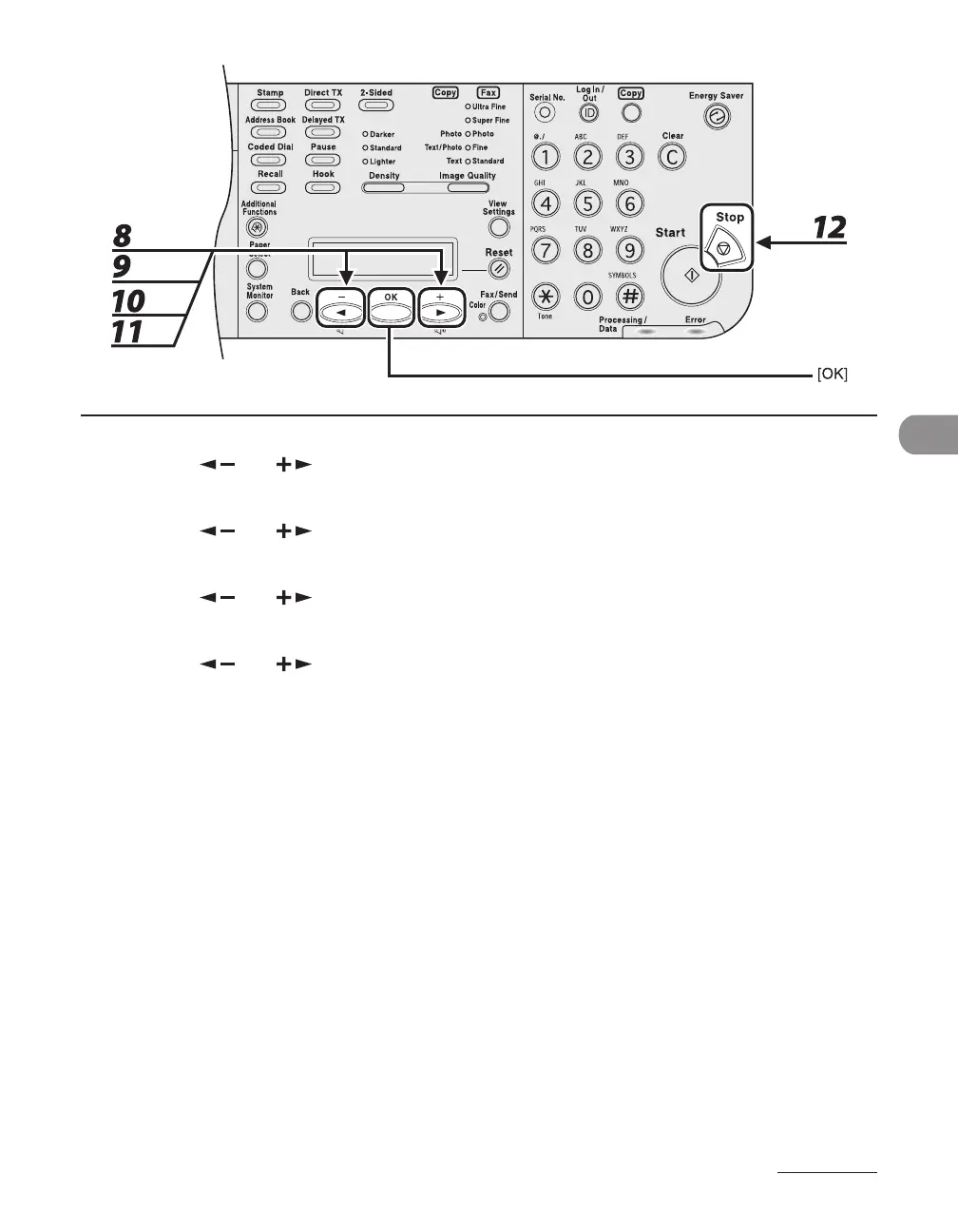
8 Press [ ] or [ ] to select <IMAGE FORMAT>, then press [OK].
9 Press [ ] or [ ] to select <TIFF (B&W)> or <PDF>, then press [OK].
10 Press [ ] or [ ] to select <DIVIDE INTO PAGES>, then press [OK].
11 Press [ ] or [ ] to select <ON> or <OFF> , then press [OK].
<OFF>: Sends multiple images as a single file without dividing them.
<ON>: Separates multiple images and send them as separate files
12 Press [Stop] to return to the standby mode.














 To Next Page