3-21
Copying
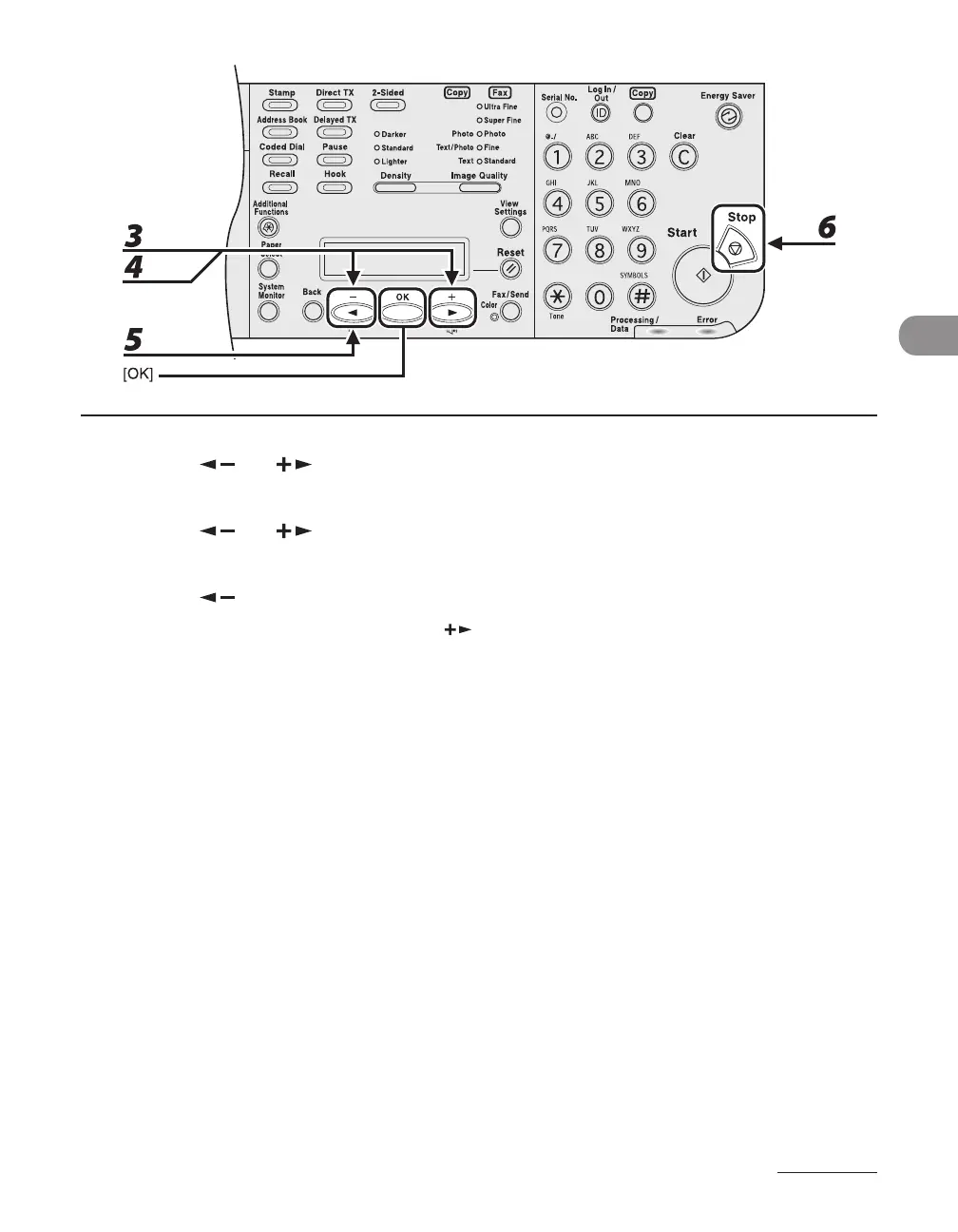
3 Press [ ] or [ ] to select the desired job, then press [OK].
4 Press [ ] or [ ] to select <CANCEL>, then press [OK].
5 Press [ ] to select <YES>.
If you do not want to cancel the job, press [ ] to select <NO>.
6 Press [Stop] to return to the standby mode.














 To Next Page