Sending Documents
4-32
14 Confirm that <ECM> is displayed, then press [OK].
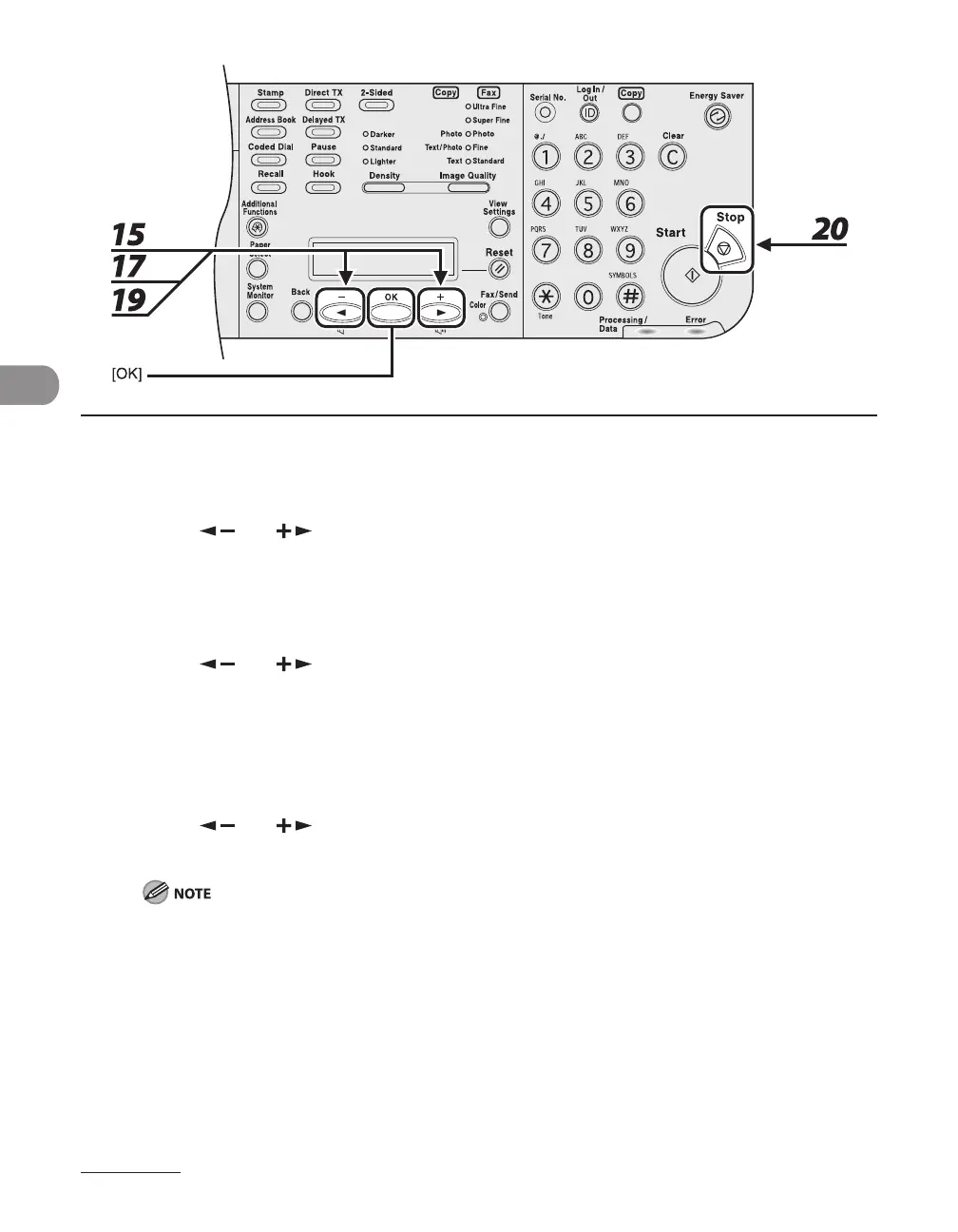
15 Press [ ] or [ ] to select <ON> or <OFF>, then press [OK].
16 Confirm that <TX SPEED> is displayed, then press [OK].
17 Press [ ] or [ ] to select the sending speed (33600 bps, 14400 bps, 9600
bps, or 4800 bps), then press [OK].
18 Confirm that <INTERNATIONAL> is displayed, then press [OK].
19 Press [ ] or [ ] to select the transmission option (<DOMESTIC>, <LONG
DISTANCE 1>, <LONG DISTANCE 2>, or <LONG DISTANCE 3>), then press [OK].
If errors occur during international fax transmissions, try the setting from <LONG DISTANCE 1> through
<LONG DISTANCE3>.
20 Press [Stop] to return to the standby mode.














 To Next Page