Sending Documents
4-62
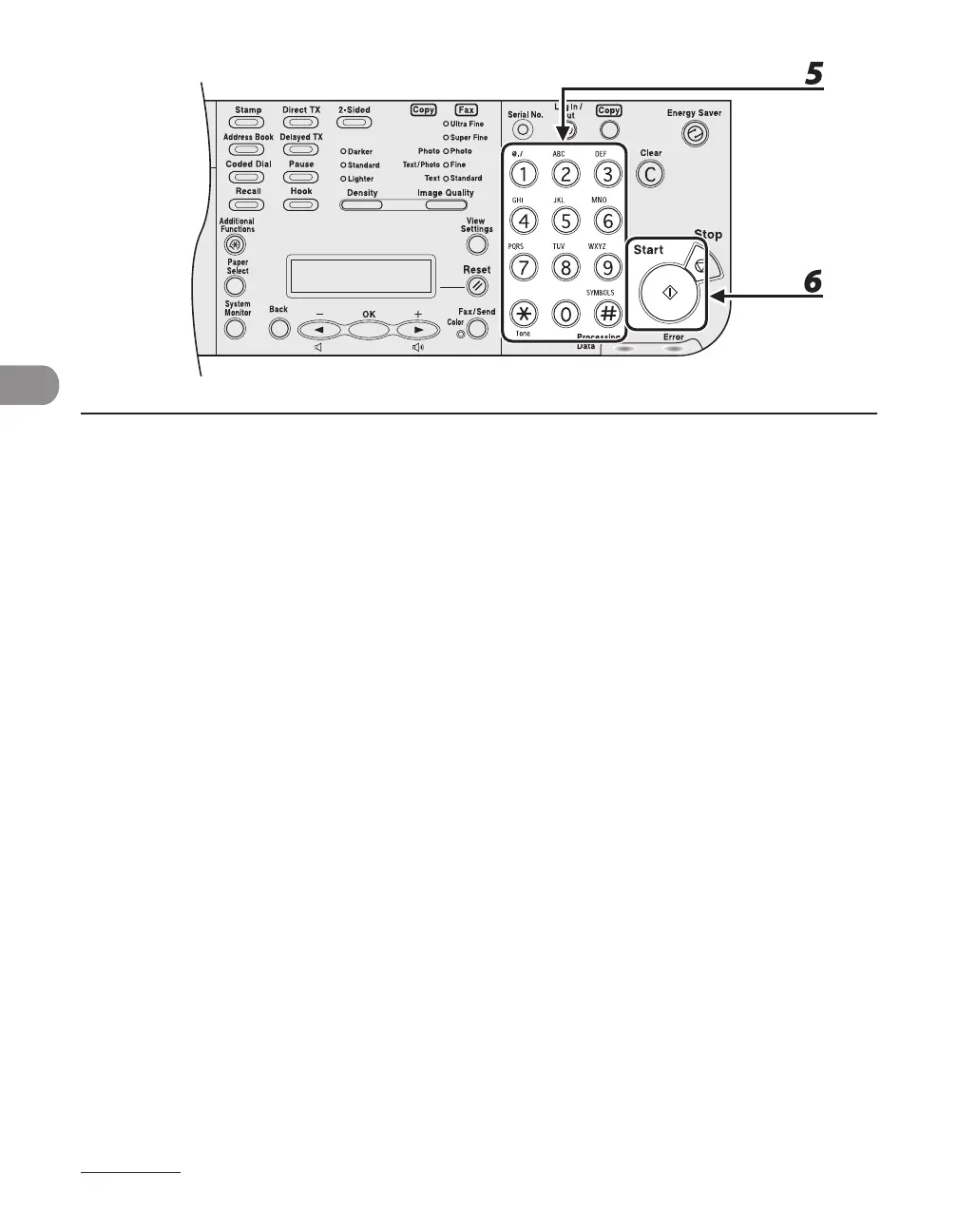
5 Use the numeric keys, one-touch speed dialing key, coded speed dialing code,
or address book dialing to enter a recipient.
6 Press [Start].
To cancel all settings and return to standby mode, press [Stop].
When <TIME OUT> is set to <ON> in <TX SETTINGS> in <FAX SETTINGS>, the machine starts dialing
automatically after the preset time for this setting is passed. However, when you manually enter a
recipient, be sure to press [Start].
If the specified time for delayed sending passes during a temporary power failure (that recovers within a
hour), the fax document will be sent at the specified time on the next day.














 To Next Page