Sending Documents
4-64
4 Adjust any necessary settings for your document.
For details, see "Scan Settings," on p. 4-5.
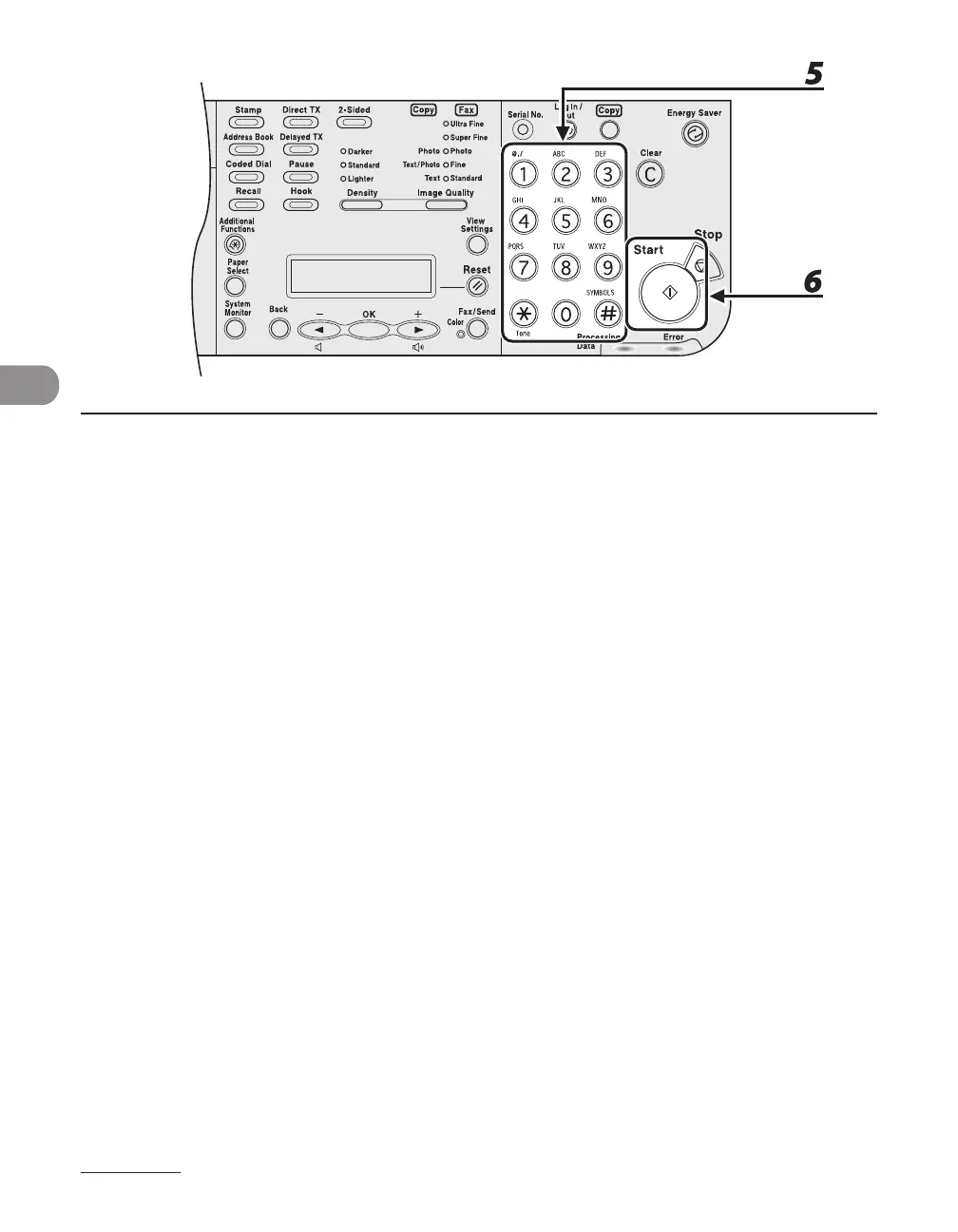
5 Dial the recipient's fax/telephone number.
If you select delayed transmission or sequential broadcasting, memory sending is automatically
selected.
6 Press [Start].
Each page is sent as it is scanned.
During transmission, <TRANSMITTING...> and the recipient's fax/telephone number alternately appear
as messages on the LCD display.














 To Next Page