4-79
Sending Documents
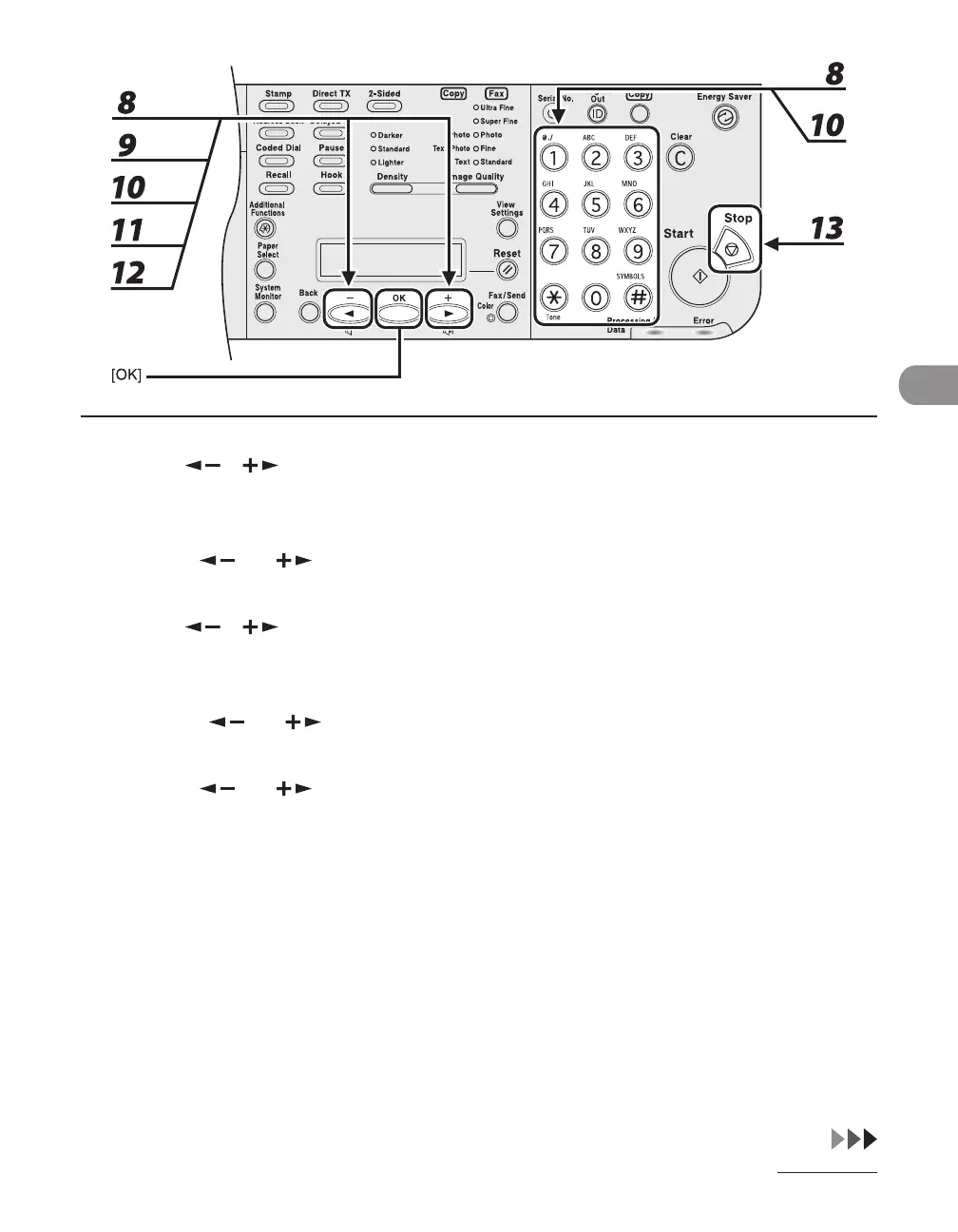
8 Use [ ], [ ], or numeric keys to enter the number of redials (1 to 10 times)
the machine will make, then press [OK].
9 Press [ ] or [ ] to select <REDIAL INTERVAL>, then press [OK].
10 Use [ ], [ ], or numeric keys to enter the time (2 to 99 minutes, in one-
minute increments) between redials, then press [OK].
11 Press [ ] or [ ] to select <TX ERROR REDIAL>, then press [OK].
12 Press [ ] or [ ] to select <ON> or <OFF>, then press [OK].
<ON>: Resends all pages if an error occurs during transmission.
<OFF>: Does not redial even if an error occurs during transmission.
13 Press [Stop] to return to the standby mode.














 To Next Page