5-5
Receiving Documents
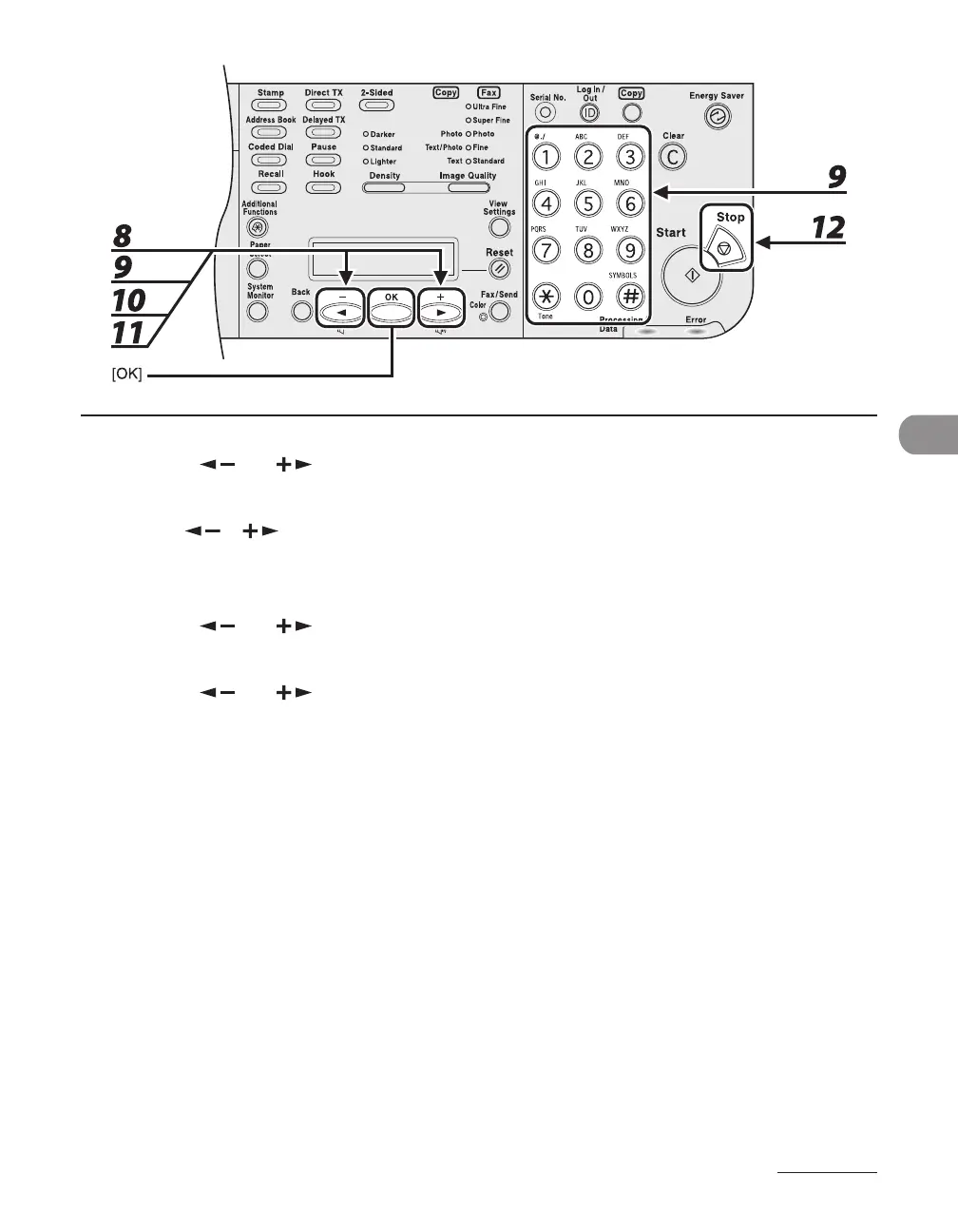
8 Press [ ] or [ ] to select <F/T RING TIME>, then press [OK].
9 Use [ ], [ ], or the numeric keys to specify the duration (15 to 300 seconds)
of ringing, then press [OK].
10 Press [ ] or [ ] to select <F/T SWITCH ACTION>, then press [OK].
11 Press [ ] or [ ] to select the action the machine will take after the ringing
ends, then press [OK].
<RECEIVE>: Receives a fax.
<DISCONNECT>: Disconnects the call.
12 Press [Stop] to return to the standby mode.














 To Next Page