5-13
Receiving Documents
Printing All Documents Stored in Memory
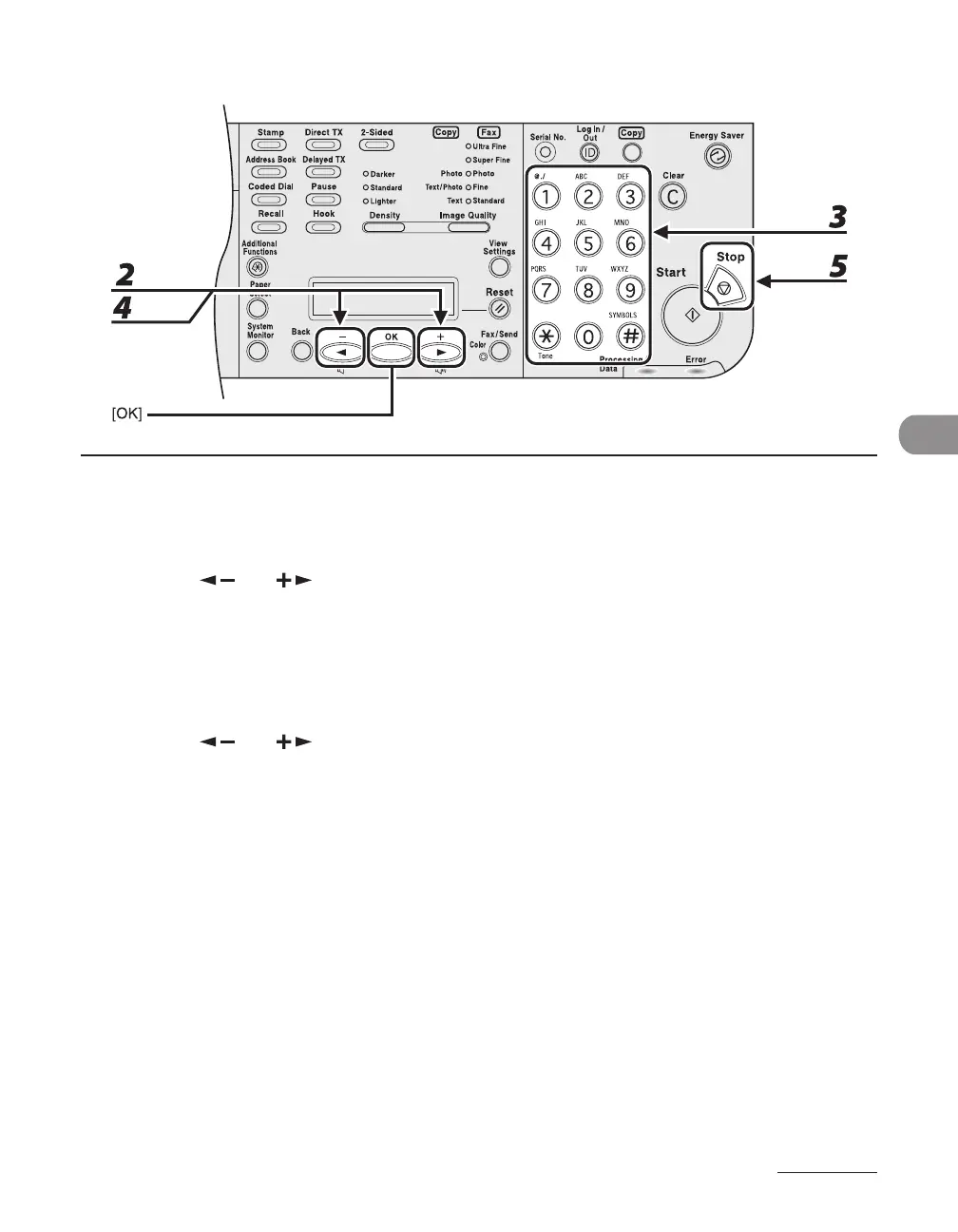
1 Perform step 1 to 3 in “Memory Lock Reception,” on p. 5-9.
2 Press [ ] or [ ] to select <MEMORY LOCK>, then press [OK].
3 Use the numeric keys to enter the memory lock reception password, then press
[OK].
4 Press [ ] or [ ] to select <OFF>, then press [OK].
The received documents are printed.
5 Press [Stop] to return to the standby mode.














 To Next Page