Remote UI
8-2
Remote UI
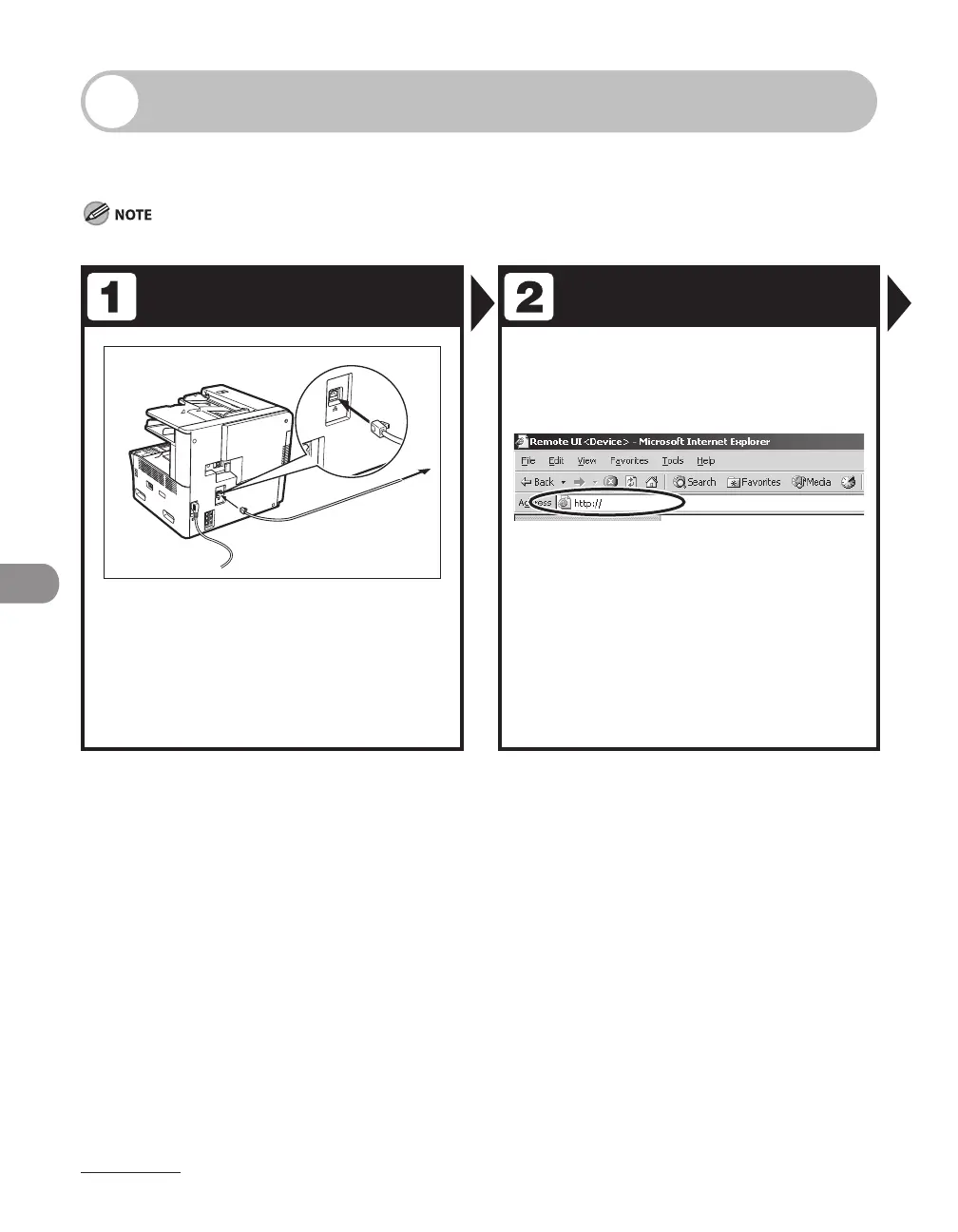
Follow this procedure for Remote UI management.
For details, see Reference Guide > Settings/Management from a PC.
To use the Remote UI on the LASER CLASS 810, an optional network printer kit is required.
Prepare the Network Startup
Set up the machine for use in a
network, then connect the machine
and the PC to your network router or
a hub.
For details, see “Set the Machine for Network Usage,” in
the Starter Guide.
Start the web browser, enter the IP
address of the machine, then press
[Enter] on the keyboard.














 To Next Page