Maintenance
10-8
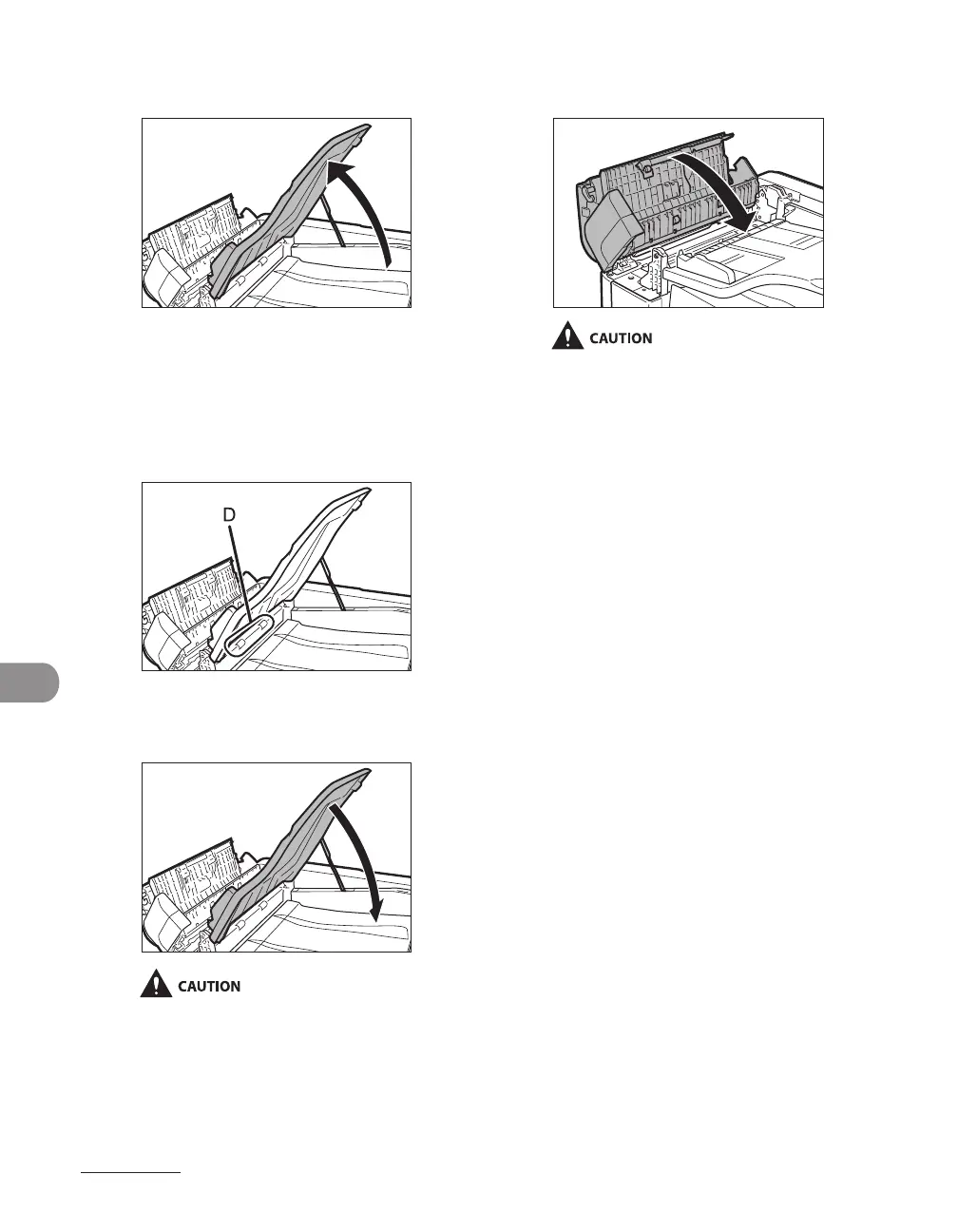
6 Lift the document feeder tray.
7
Clean the rollers (D) below the
document feeder tray with a cloth
dampened with water. Then wipe
the area with a soft, dry cloth.
8
Lower the document feeder tray.
Be careful not to get your fingers caught.
9 Close the ADF.
Be careful not to get your fingers caught.
10 Reconnect the power cord and turn
on the main power switch.Cleaning
the ADF Automatically.




 To Next Page