11-5
Troubleshooting
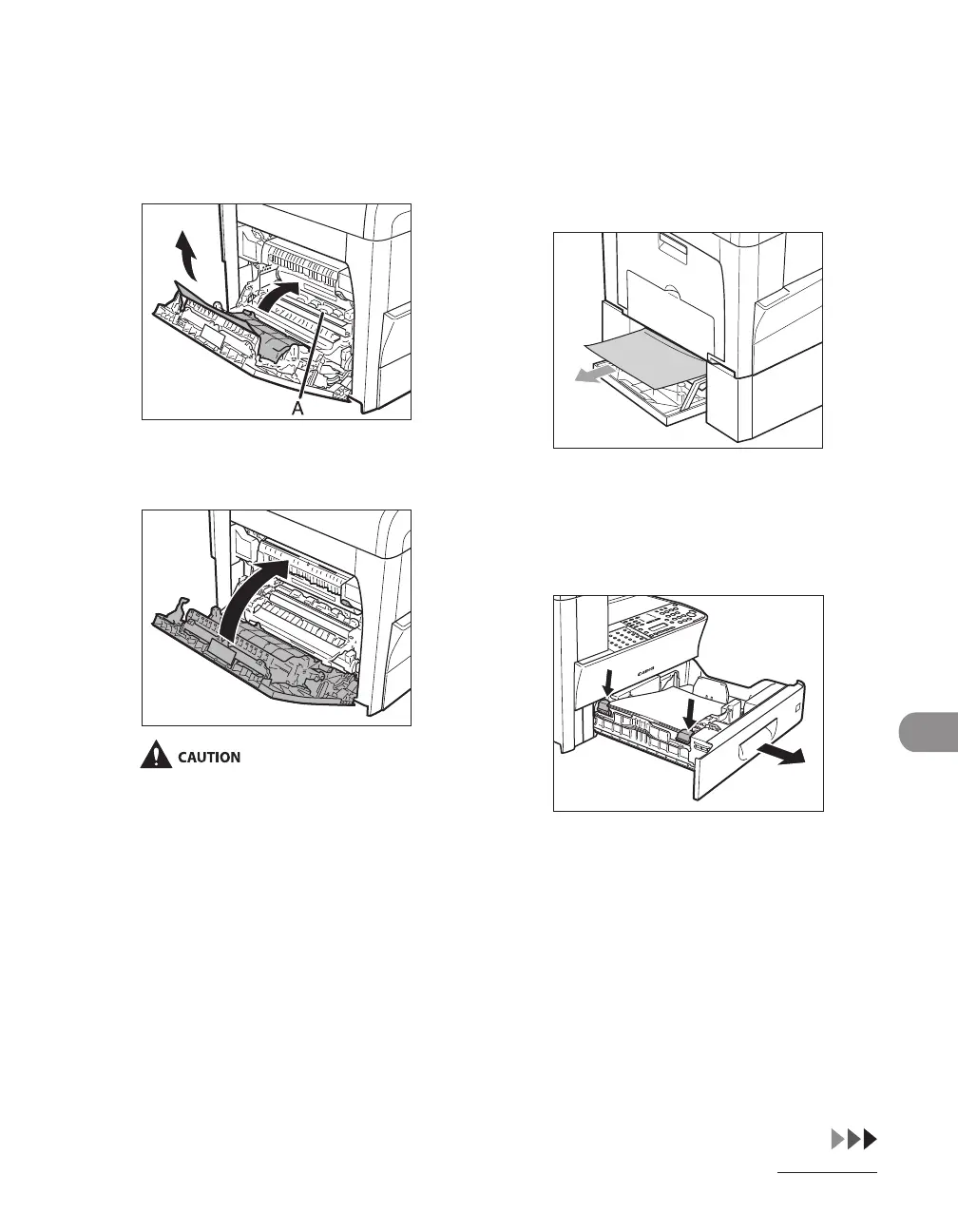
4 Lift and hold the transcription
frame (A), then remove the
jammed paper (Only for 2-sided
copying).
5 Close the left cover.
Be careful not to get your fingers caught.
6 If you use the optional paper
cassette, open the cover on the left
side of the optional paper cassette.
Remove any jammed paper, then
close the cover.
7 Pull out the paper cassette and
push the corners of the stack
under the tabs.














 To Next Page