Before Using the Machine
1-20
Setting Time Zone
The standard time zones of the world are expressed globally in terms of the difference in
hours (± up to 12 hours) from GMT (0 hours). A time zone is a region throughout which this
time difference is the same.
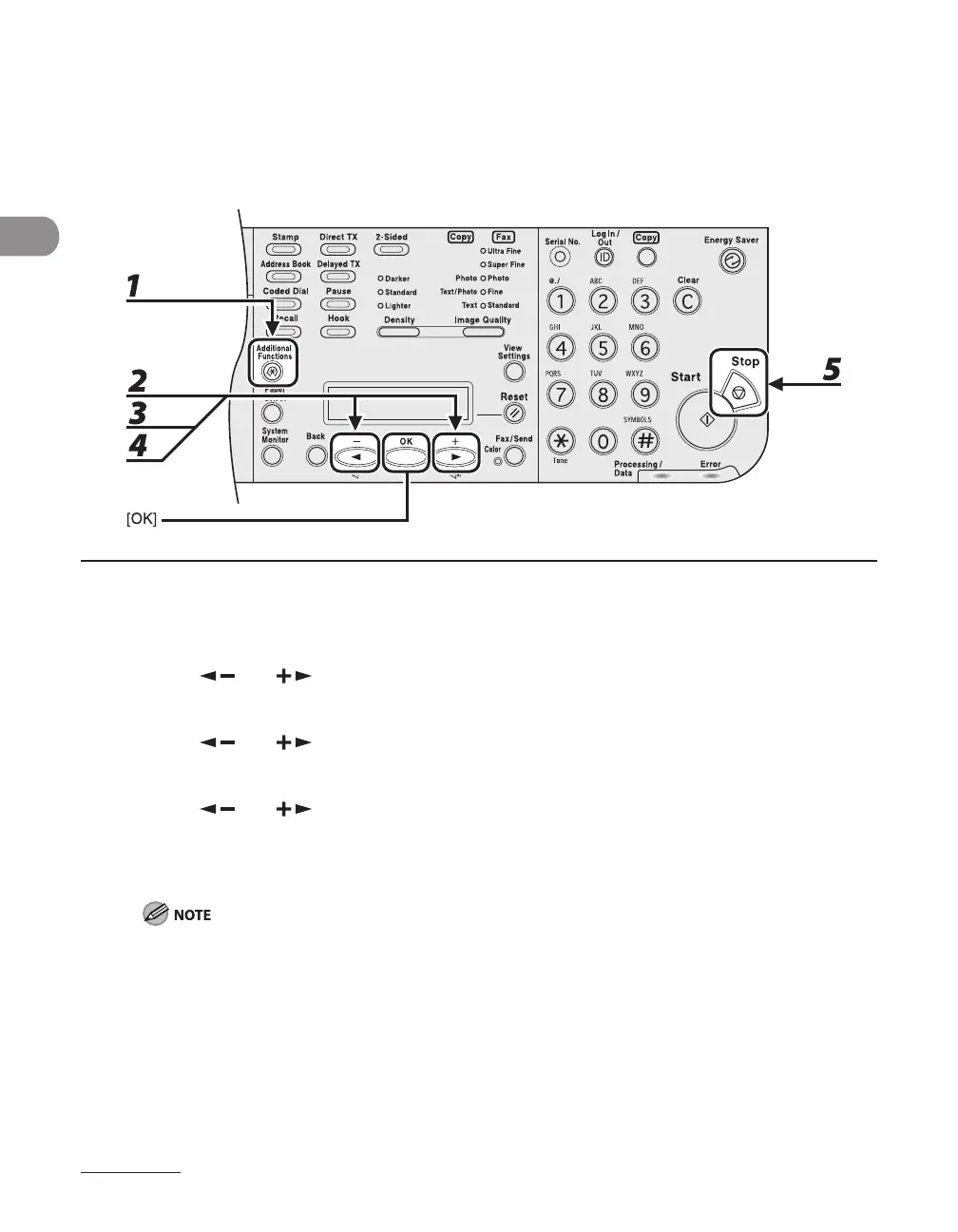
1 Press [Additional Functions].
2 Press [ ] or [ ] to select <TIMER SETTINGS>, then press [OK].
3 Press [ ] or [ ] to select <TIME ZONE SETTING>, then press [OK].
4 Press [ ] or [ ] to select the time zone, then press [OK].
5 Press [Stop] to return to the standby mode.
The specified time zone setting becomes effective after the machine is restarted.
When restarting the machine, wait at least 10 seconds before turning the main power back on.
–
–














 To Next Page