Chapter 4
4-5
4.4.2 Cleaning Method (external covers)
0003-2119
Moisten a soft cloth with water or solution of mild detergent, making sure it is well wrung; then, wipe the soiling.
If you have used detergent, be sure to remove its residue using a soft, moist cloth.
After removing all soiling, dry wipe the area with a soft, dry cloth.
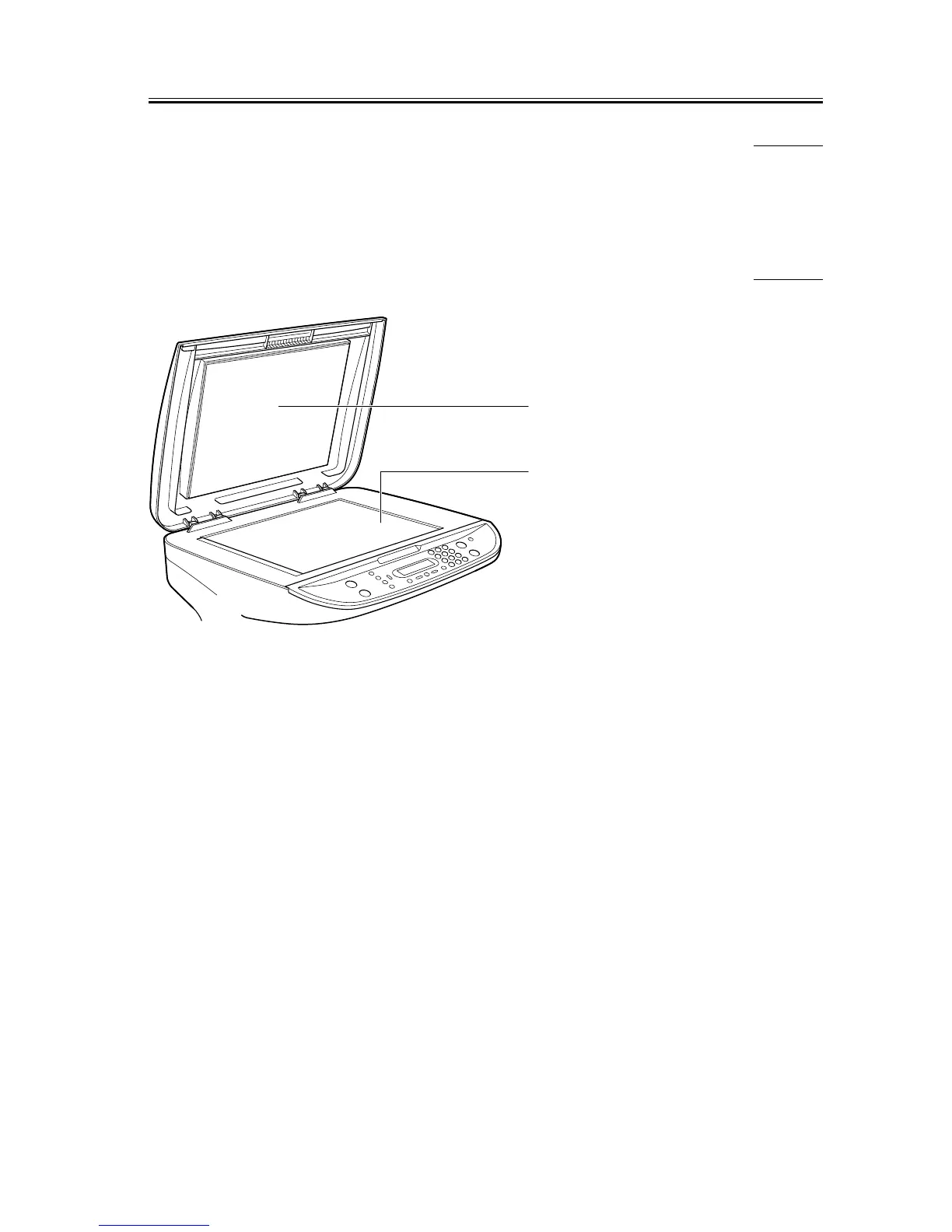
4.4.3 Cleaning Method (scanning unit)
0007-6487
F-4-1
[1] Rear surface of the platen glass cover
Open the platen glass cover and wipe any dirt off with a soft, dry cloth.
[2] Platen glass
Open the platen glass cover and wipe any dirt off with a soft, dry cloth.
[1]
[2]










 To Next Page