Chapter 3ޓ
3-36
3.3.1.7 Removing the Laser/
Scanner Unit
0007-7773
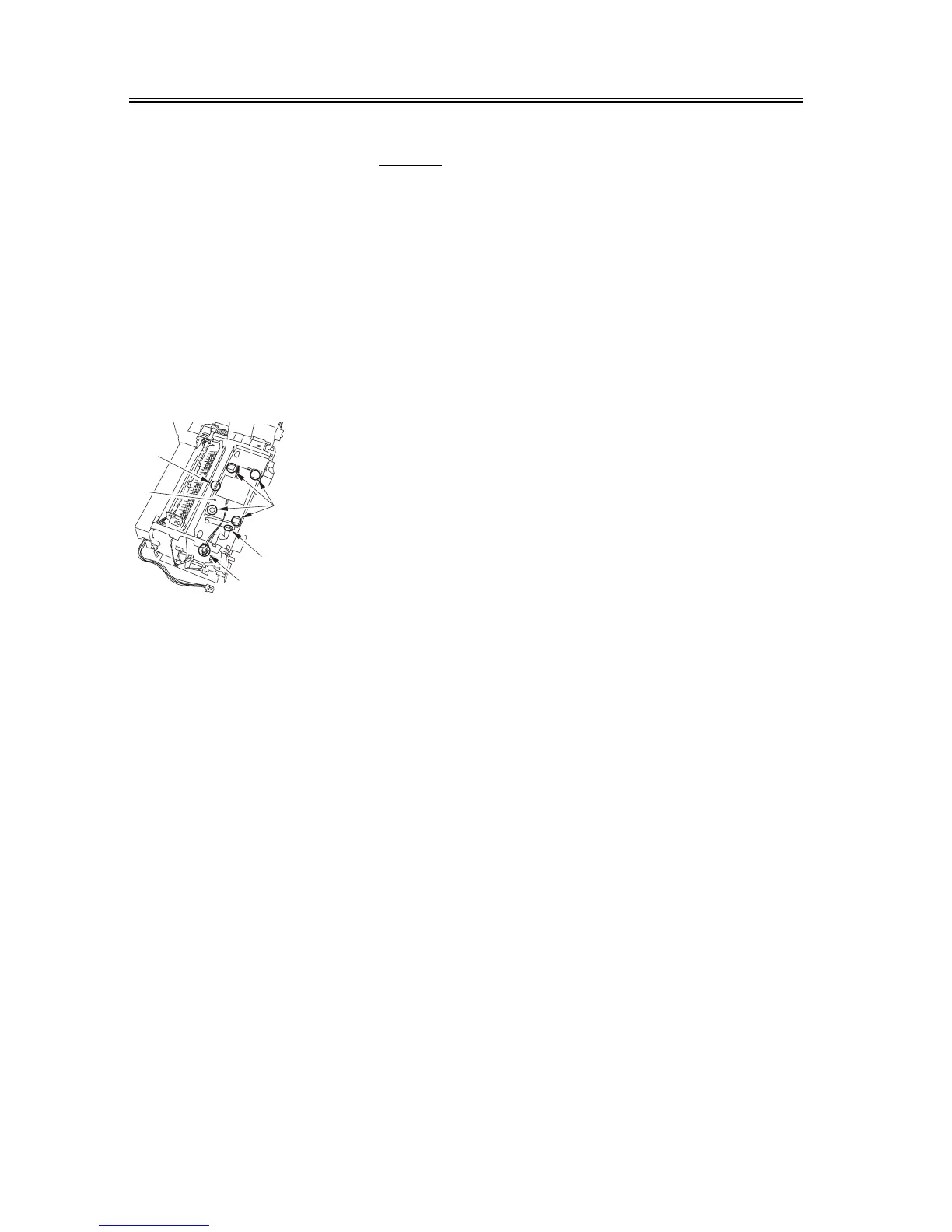
1) Remove the connector [1] of the ECNT board.
Take the cable off the cable clamp. (The external
cover is omitted from the illustration below to show
the instructions clearly.)
2) Take the flat cable [2] off the board of the laser/
scanner unit.
3) Remove the 4 screws [3] to remove the laser/
scanner unit [4]. Ensure that the grounding plate
[5] does not get lost.
F-3-144
[1]
[2]
[3]
[4]
[5]










 To Next Page