Chapter 5ޓRunning H/F 5
5-14
5.6.3 ROM Management (ROM)
5.6.3.1 ROM 0007-6663
Information such as ROM (program software) version number is displayed on the display.
This mode is for confirmation only, and any entry cannot be made.
F-5-8
5.6.4 Test Mode (TEST)
5.6.4.1 Overview
5.6.4.1.1 Test Mode Overview
0007-6666
The following test modes are available from the menu on the display.
DRAM tests
Writes data to DRAM image storage areas and reads that data to check operations.
Print test
Printing a test pattern in the printing area.
FACULTY test
Testing the sensors and functions of the operation panel.
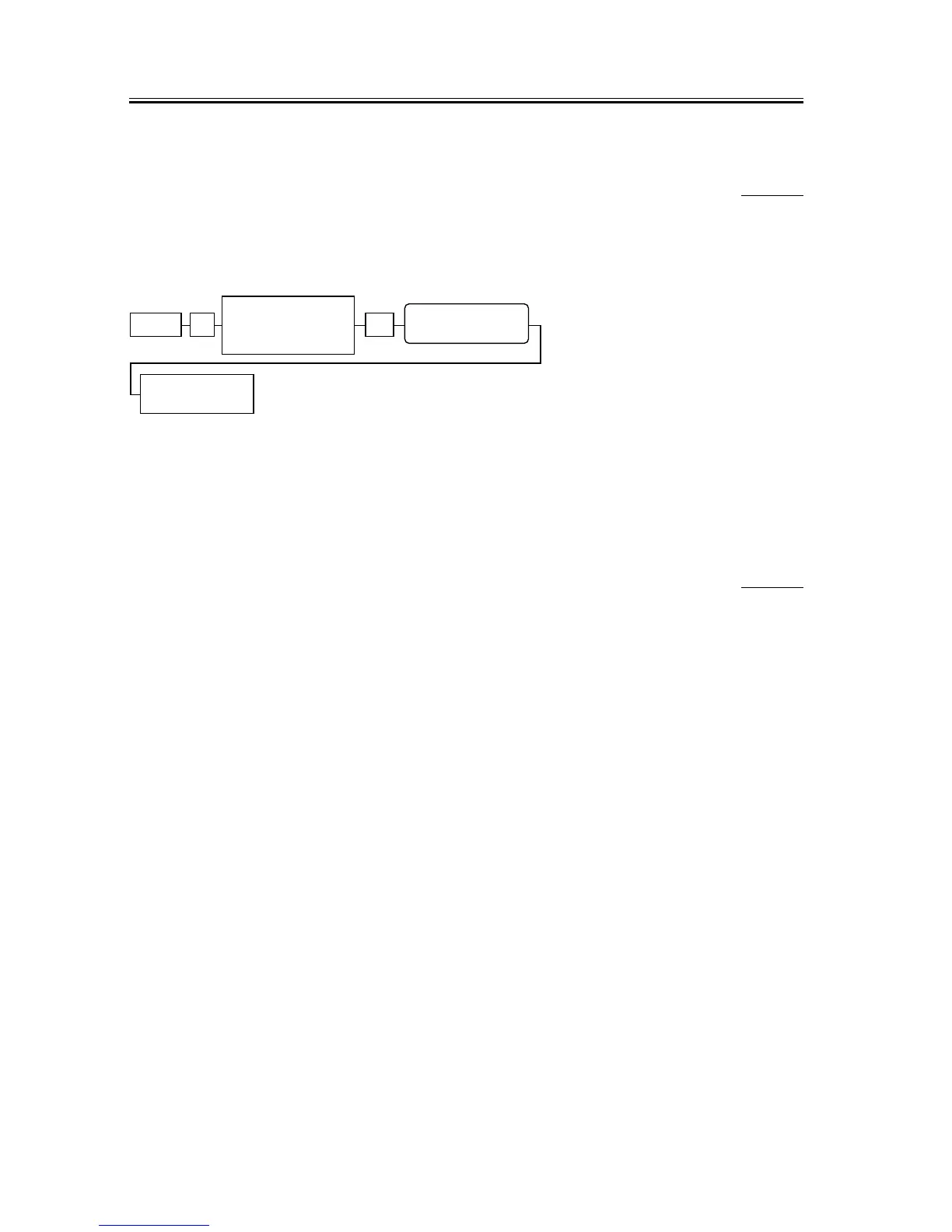
Menu # OK
Display TEST
MODE by pressing
cursor key
pressing
cursor key
TEST MODE










 To Next Page