Chapter 5ޓRunning H/F 5
5-16
5.6.4.2 DRAM Test
5.6.4.2.1 DRAM Test
0007-6685
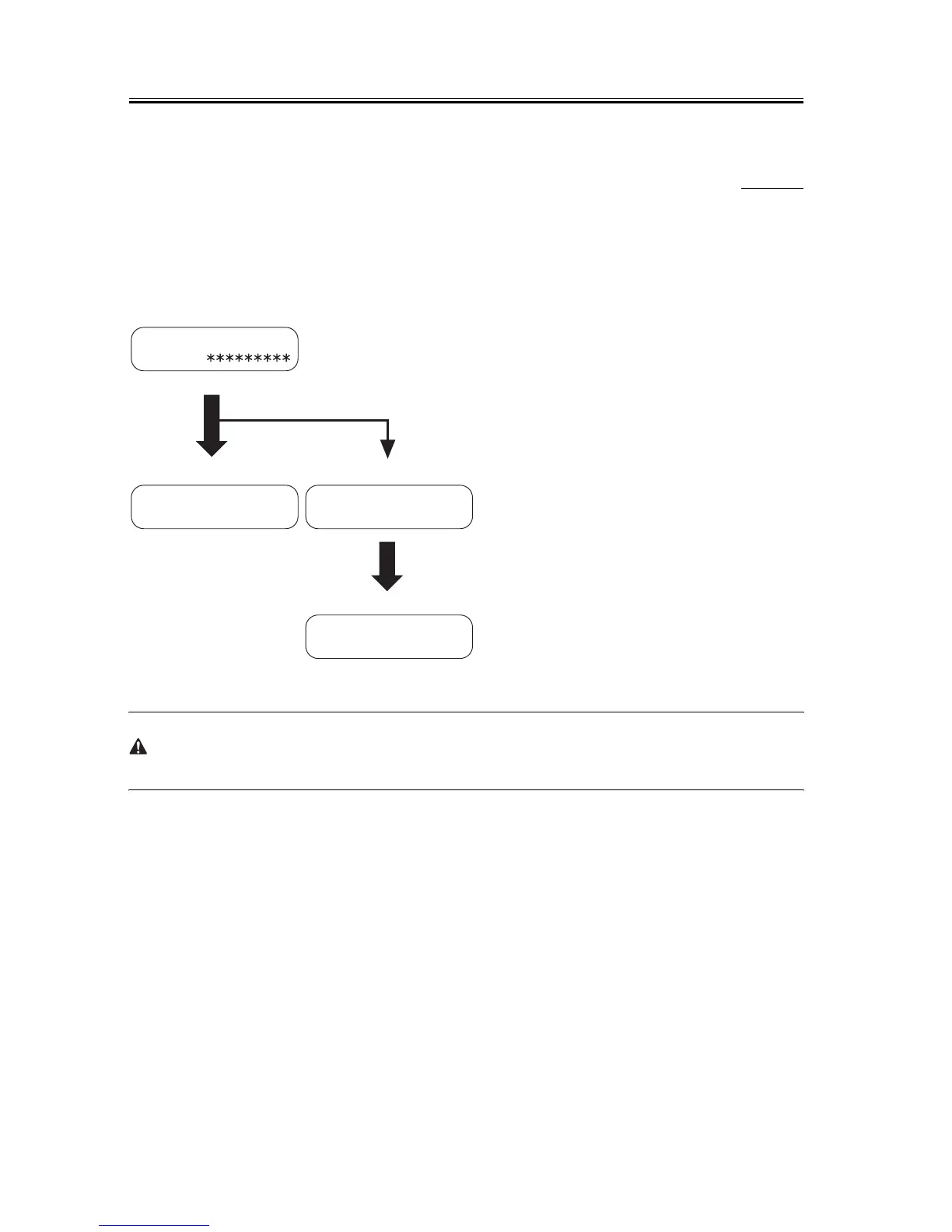
DRAM test menu is selected by pressing the numeric key 1 from the test mode menu. DRAM Test 1 writes data to
the entire DRAM region and reads it out to check that operations are correct. DRAM Test 2 just reads data at high
speed.
F-5-10
Before DRAM test, output all image data in image memory. When DRAM test is performed, all image data are
cleared.
Error
Restart by pressing
Start button
DRAM TEST 40960KB
.......
DRAM TEST 40960KB
complete (no error)
WRT=33CC RD=33EC
ADR=BF840201
DRAM TEST 40960KB
complete (error)
40960KB: D-RAM total memory capacity (bytes)
✽ : Indicates an address for which write testing is complete.
. : Indicates an address for which read testing is complete.
Operating
Normal end
(Normal end)
Error display
WRT : data written
RD : data read
ADR : address











 To Next Page