3-CONTROLSANDINSTRUMENTS
Externalinput
•
Audiocanbeoutputfromthespeakersonthemachinebyconnectingacommercially-availableportableaudio
device.
•
Alwayskeepappropriatevolumefortheportableaudiodevice.
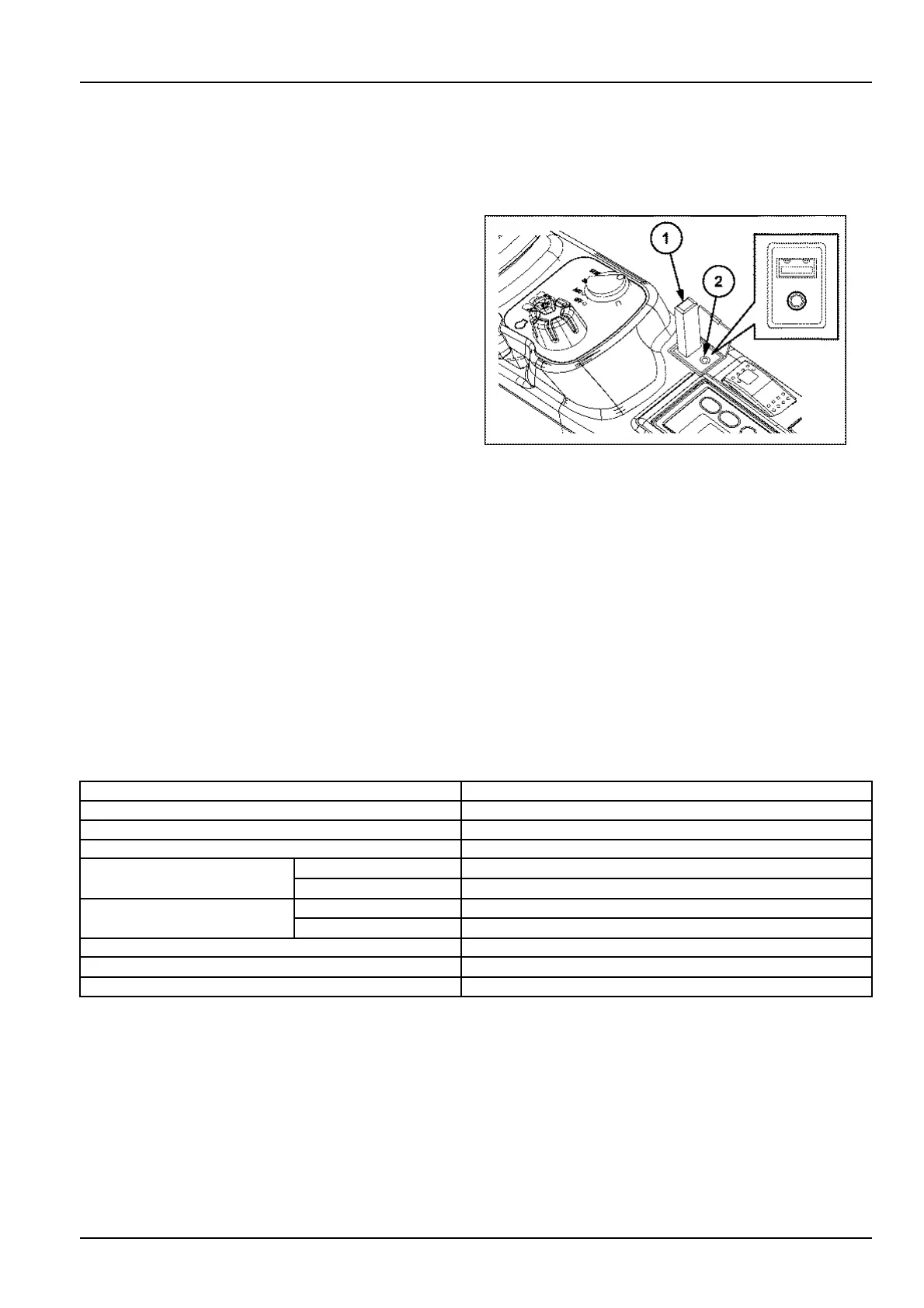
1
USBmemory
2
AUXinputterminal
SMIL15CEX0754AA2
AUX
•
PresstheMODEbuttontoswitchtheaudiosourceandcheckthatAUXisshownonthedisplay.
•
Connectfromtheheadphoneterminalofyourportableaudiodeviceusingacommerciallyavailablecord(without
resistance).
•
Useanycommercially-availablestereomini-plugcord(D3.5)forexternalinputterminalside.Donotuseaconnec-
tioncordwiththewrongsizeorwrongshapejack.
•
Thevolumealsocanbeadjustedwiththevolumebuttonsontheradiounit.
USB
•
FilesinMP3/WMA/AACformatsaresupported.
•
PresstheMODEbuttontoswitchtheaudiosourceandcheckthatUSBisshownonthedisplay.
•
ConnectaUSBmemorytotheUSBinputterminal.Playabledatastoredinthememoryisplayedautomatically.
ButtonoperationswhenUSBisselectedasanaudiosource
ButtonoperationsFunction
UP/DOWNFolderup/down
PRESET1
REPEAT
PRESET2RANDOM
Shortpress
Trackdown
PRESET3
Longpress
Fastforward(whilebeingpressed)
Shortpress
Trackup
PRESET4
Longpress
Rewind(whilebeingpressed)
PRESET5PLAY/PAUSE
Volumeadjustmentbutton+Volumeup
Volumeadjustmentbutton-Volumedown
3-53













 To Next Page