A112101 PD Analyzer Function Card (Option)
7.6.4.2 Using Run Chart (Full Screen)
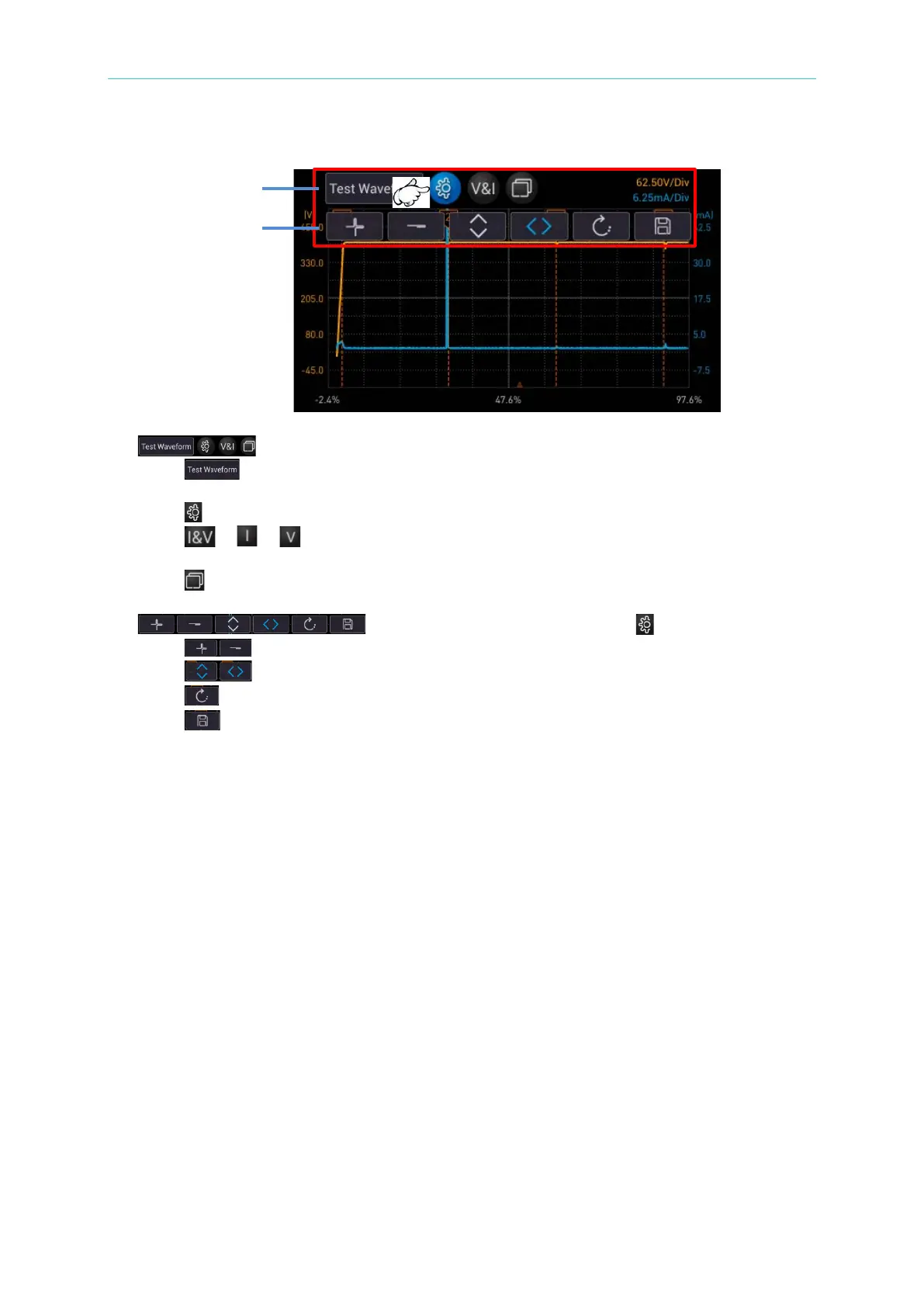
1. : Graph operation key
i. : Test waveform menu (including PD abnormal waveform), providing
complete graph + PD abnormal waveform (maximum 10).
ii. : Waveform display mode menu.
iii. / / : “Simultaneously display test voltage/output current waveform”,
“Display output current waveform”, and “Display test voltage waveform” menu.
iv. : Return test chart to standard screen.
2. : The menu appeared after selected .
i. : The graph scales up and down in an equal ratio.
ii. : Graph zoom in and out direction, up/down (Y-axis) or left/right (X-axis)
iii. : Return to the graph original scale.
iv. : Save the entire screen.



 To Next Page