Battery Cell Insulation Tester 11210 User’s Manual
5-10
5.2.2 User Password
5.2.2.1 Password Setup
User password setup is divided into two levels, one is Standard User Password and another is
Administrator Password.
Standard User Password authority: It is the password for the standard user which is for
processing measurement function only.
Administrator Password authority: It is the system administrator to process system parameter
modification except for measurement function.
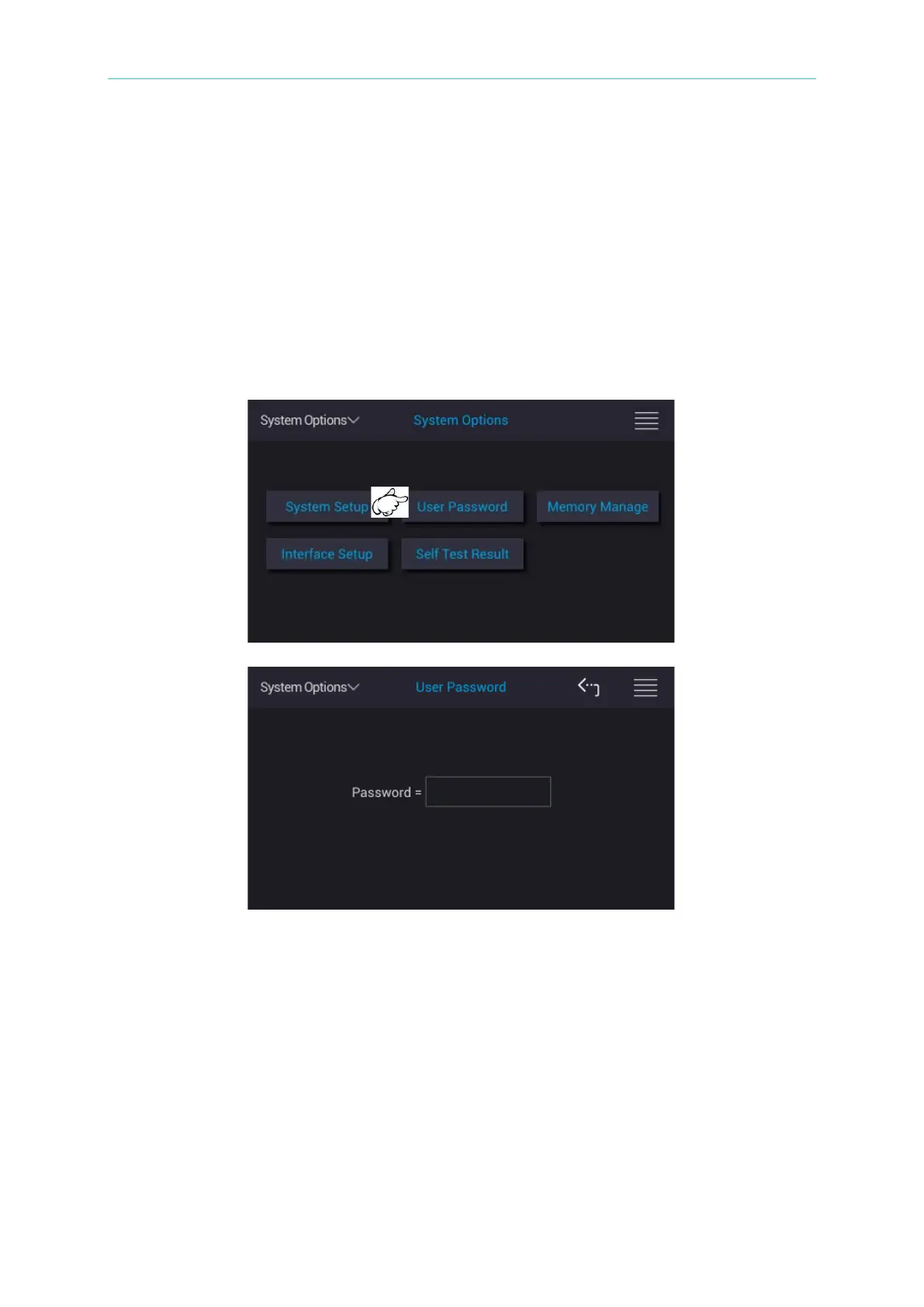
Touch the selection at upper left side of main screen and return to main menu. Touch System
Options and User Password, the input password window as the figure above shows. Please
type in the corresponded Password to enter the setting.
The initial setting dedicated Administrator Password is 201811210, Standard User Password
is 11210.
It follows the input password to modify the password setup with various authorities. The length
of password at least 1 character and at most 10 characters include decimal point and 10 basic
numerals (0 ∼ 9). The password in the following is default setting that we recommend users to
change it at first time use.



 To Next Page