Setting for Operation
5-13
5.2.3 Memory Management
Memory initialization, all operation settings will return to default value but Standard User
Password and Administrator Password still remain the original setting. The test files saved in
the tester won’t be deleted.
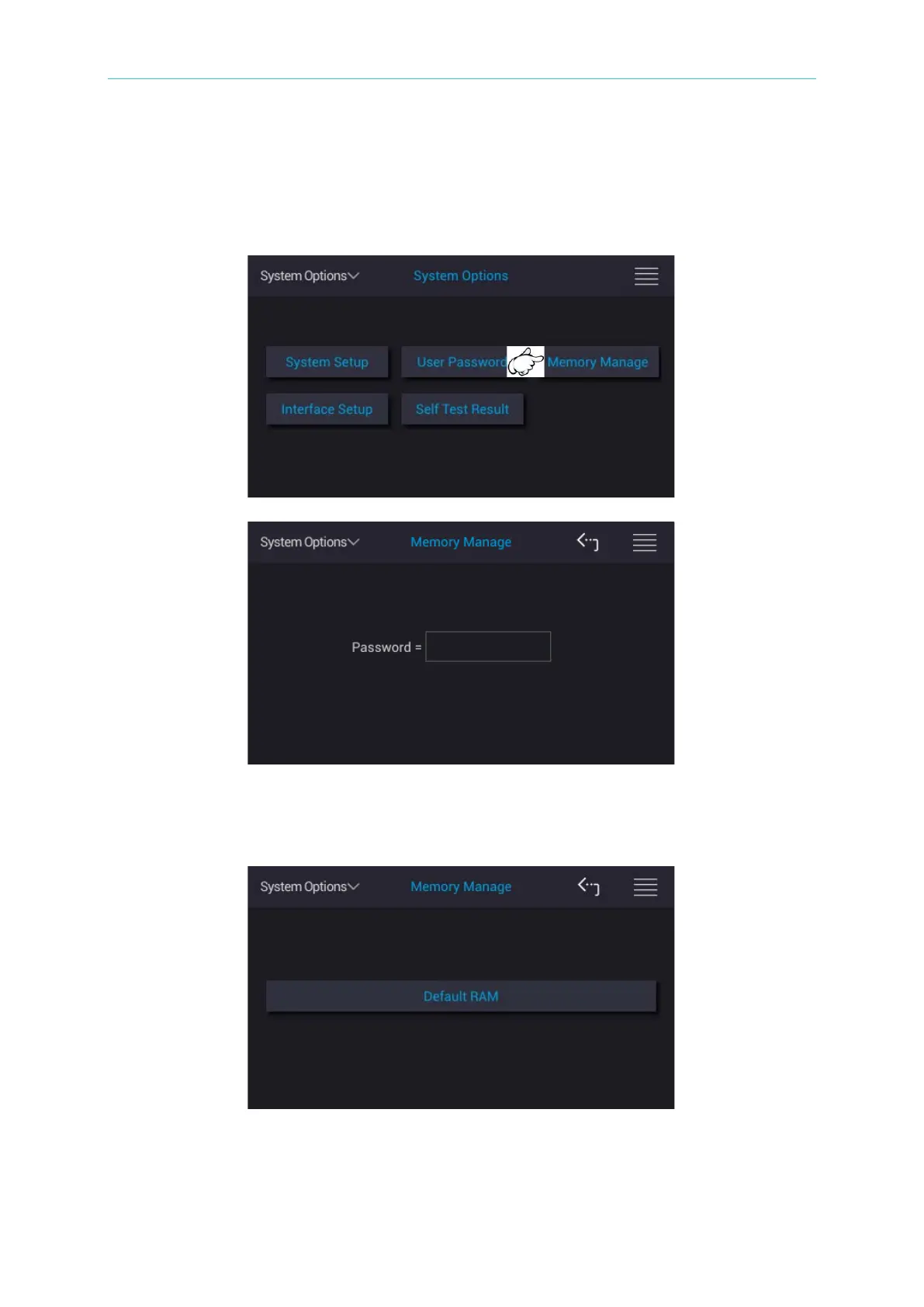
Touch the selection at upper left side of main screen and return to main menu. Touch System
Options and Memory Management, the input password window as the figure above shows.
Please type in Administrator Password as the figure below shows.
“The currently data will be cleaned. Are you sure want to delete” window pops up as operating
Default RAM. Click “YES” to delete it, otherwise click “NO”.



 To Next Page