Setting for Operation
5-41
5.5.5 Smart Fan Test
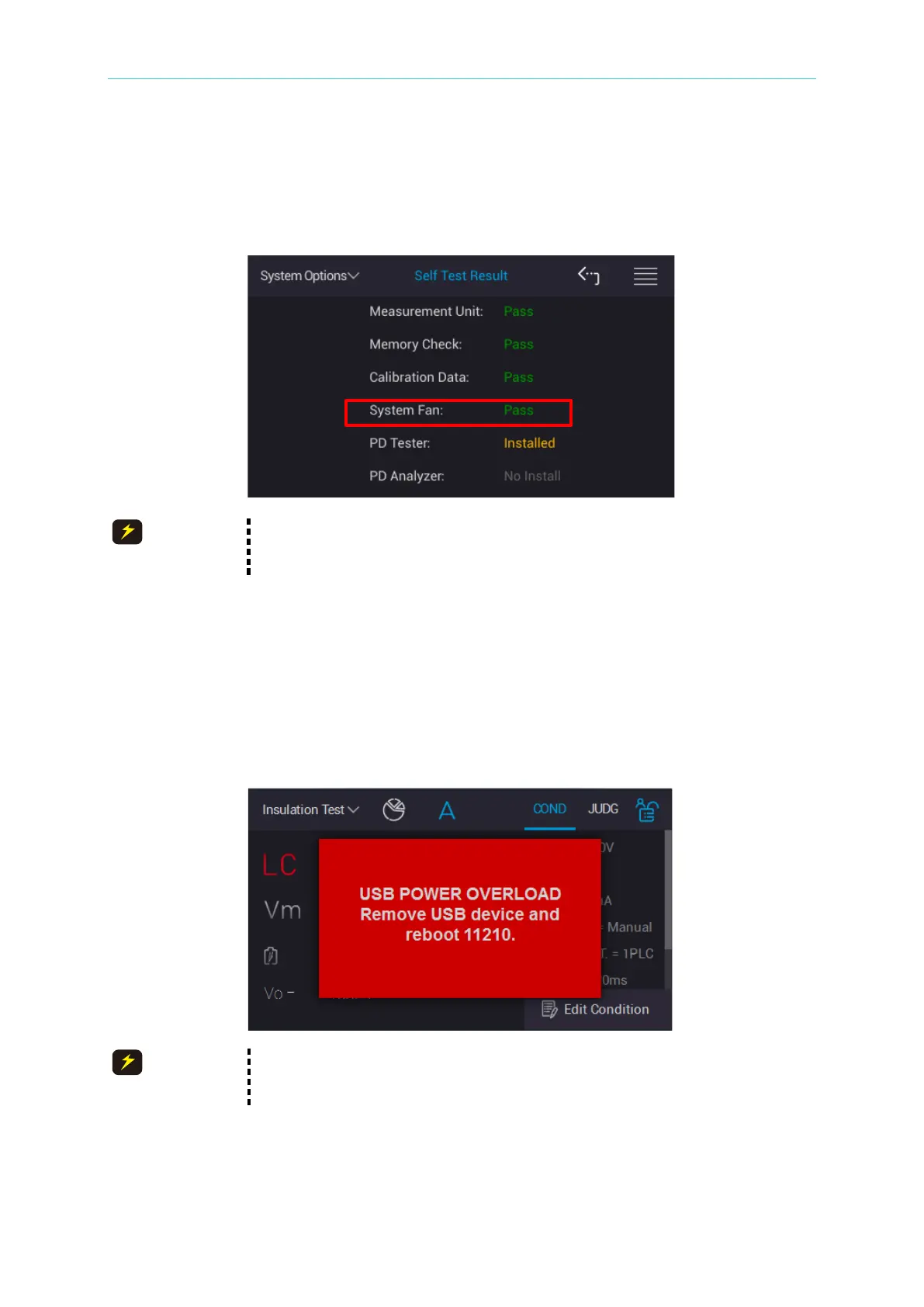
Detect the fan aging status when the tester is powering on and based on the temperature
inside the tester to adjust the fan speed. The fan status only is shown during self-test when
the tester is powering on.
When Fail appears on System Fan, it means the fan is aged and should
return to Chroma for replacement; however, it can still be used.
5.5.6 USB Overload Warning
USB on front panel power overload warning. When users misconnect USB connector on front
panel to “mobile power pack charring”, “mobile charging” or “current requirement over 1A”, the
monitor shows the warning message as the below figure. The tester is unable to operate and
output at the same time, operation screen will show protection message as the following
screen.
When USB overload signal is occurred, turn the power off and remove
USB device which is connected to front panel and reboot the 11210.



 To Next Page