Battery Cell Insulation Tester 11210 User’s Manual
3-8
3.8 File Management
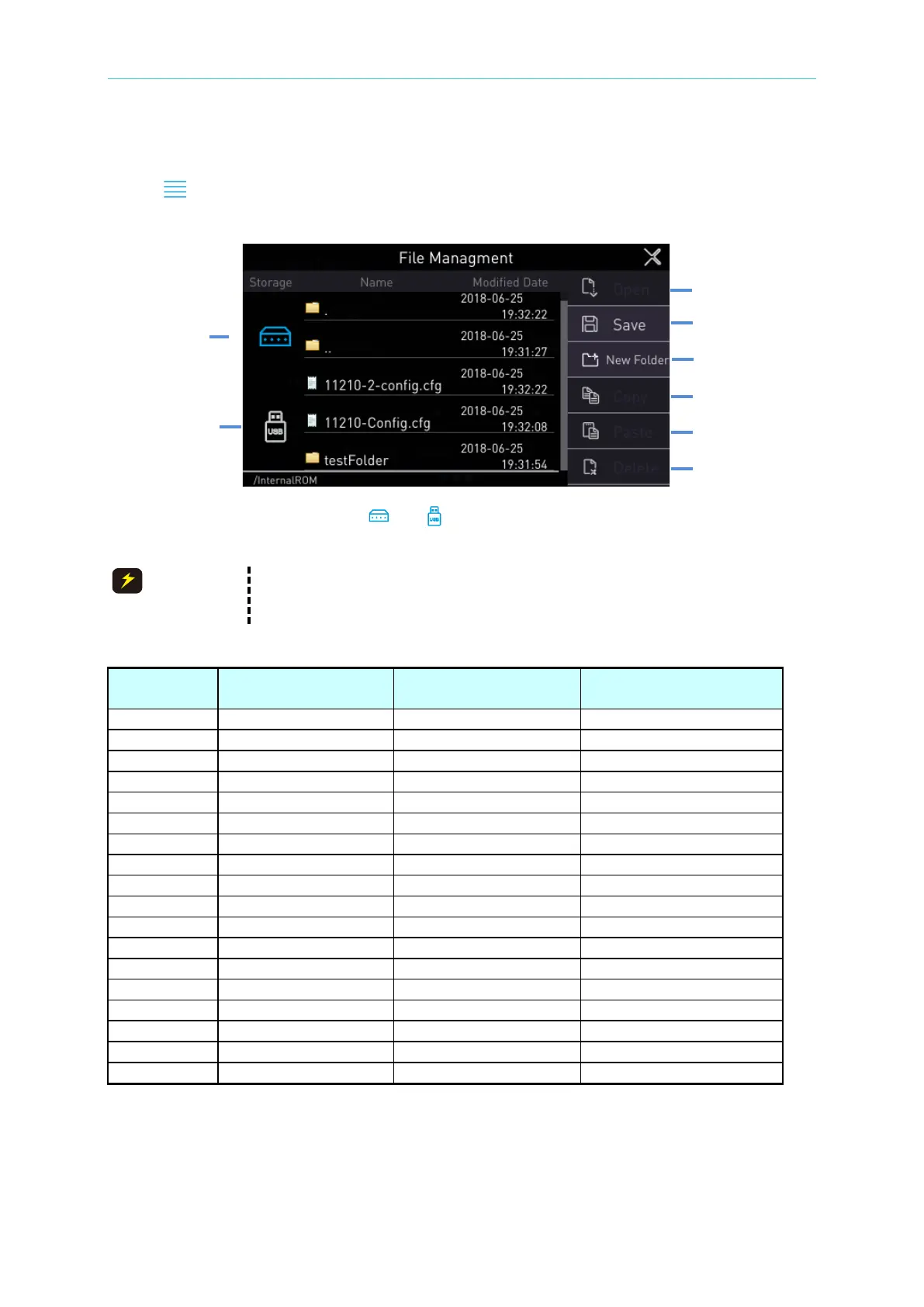
Click【 】at upper right corner of any setting parameter screen to enter File Management
Area in order to process open, save, add, copy and delete file operations.
According to the screen to select “ ” or “ ”: It selects “Internal memory” or “External USB
disk”. Click the menu at the right side of screen to access the file as required.
Naming convention for file and folder as listed following:
(1) The character limitation is 64.
(2) Special character limitations are as the table listed below.
Table 1 Special Character Limit
Description
Whether the file name
is allowed?
Whether the folder
name is allowed?



 To Next Page