Battery Cell Insulation Tester 11210 User’s Manual
7-4
7.4.3 PD Analyzer
The PD Analyzer is an analysis chart to detect partial discharge via the way described below:
Touch [Compare] in the main menu and switch to page 3. The following menu appears for
users to perform Waveform Display setting by touching the “slider” to enable or disable the
analysis chart.
7.5 PD Analyzer Parameters and Judgment
Function Setup Display
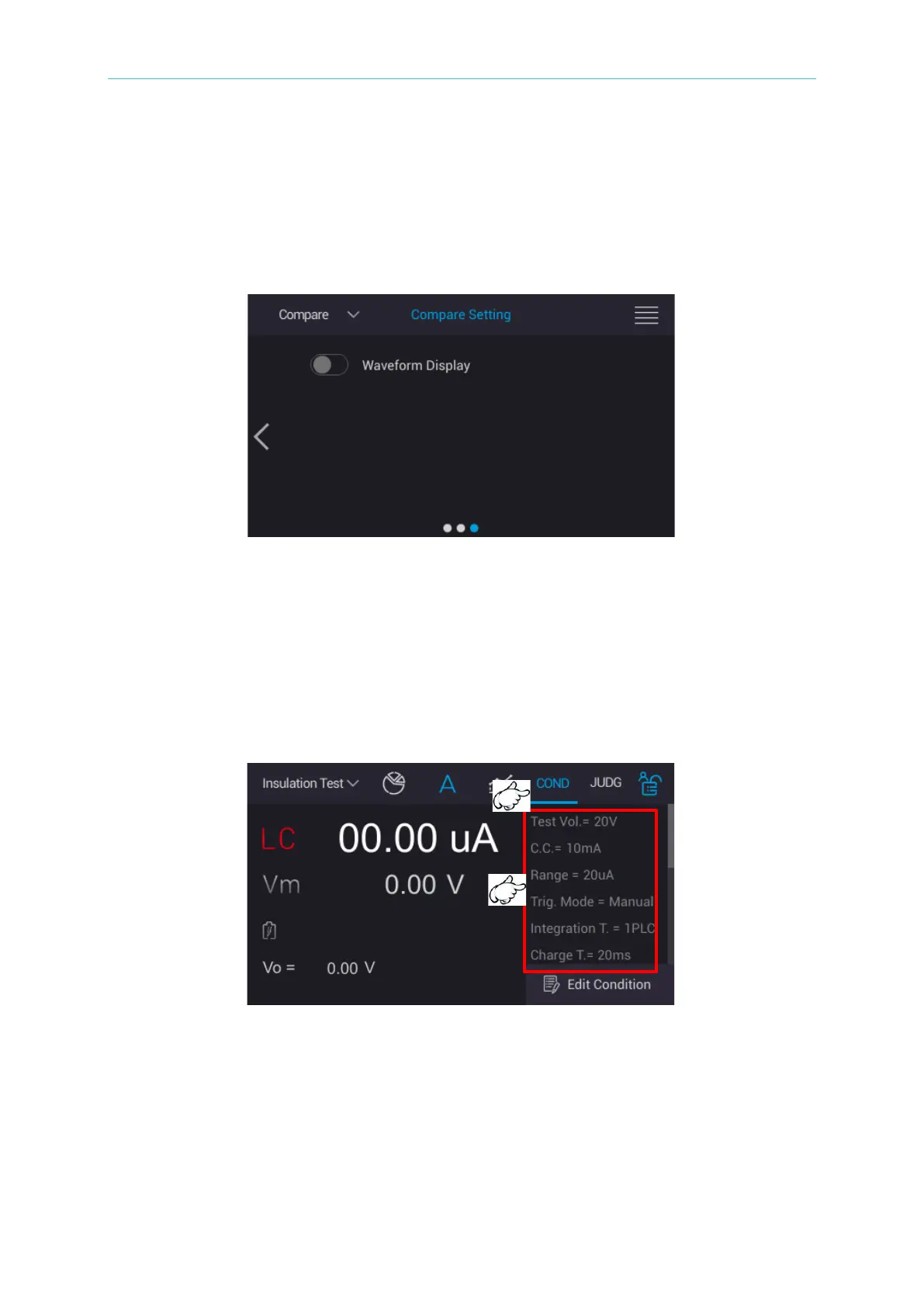
Touch [Insulation Test] in the main menu and a measurement main window appears. Touch
“COND” and a menu of set parameters are displayed. Scroll the display area up and down to
confirm the parameter settings.
Touch “JUDG” and the menu of set judgment functions are displayed.



 To Next Page