Specification Verification Procedure
A-3
A.3 DCA (Constant Current Source)
Specification verification for constant current source:
Charging Current
0.5mA ~ 50mA, step 0.1mA
Accuracy: ±(1.5 % Setting + 1.5% Range)
Step:
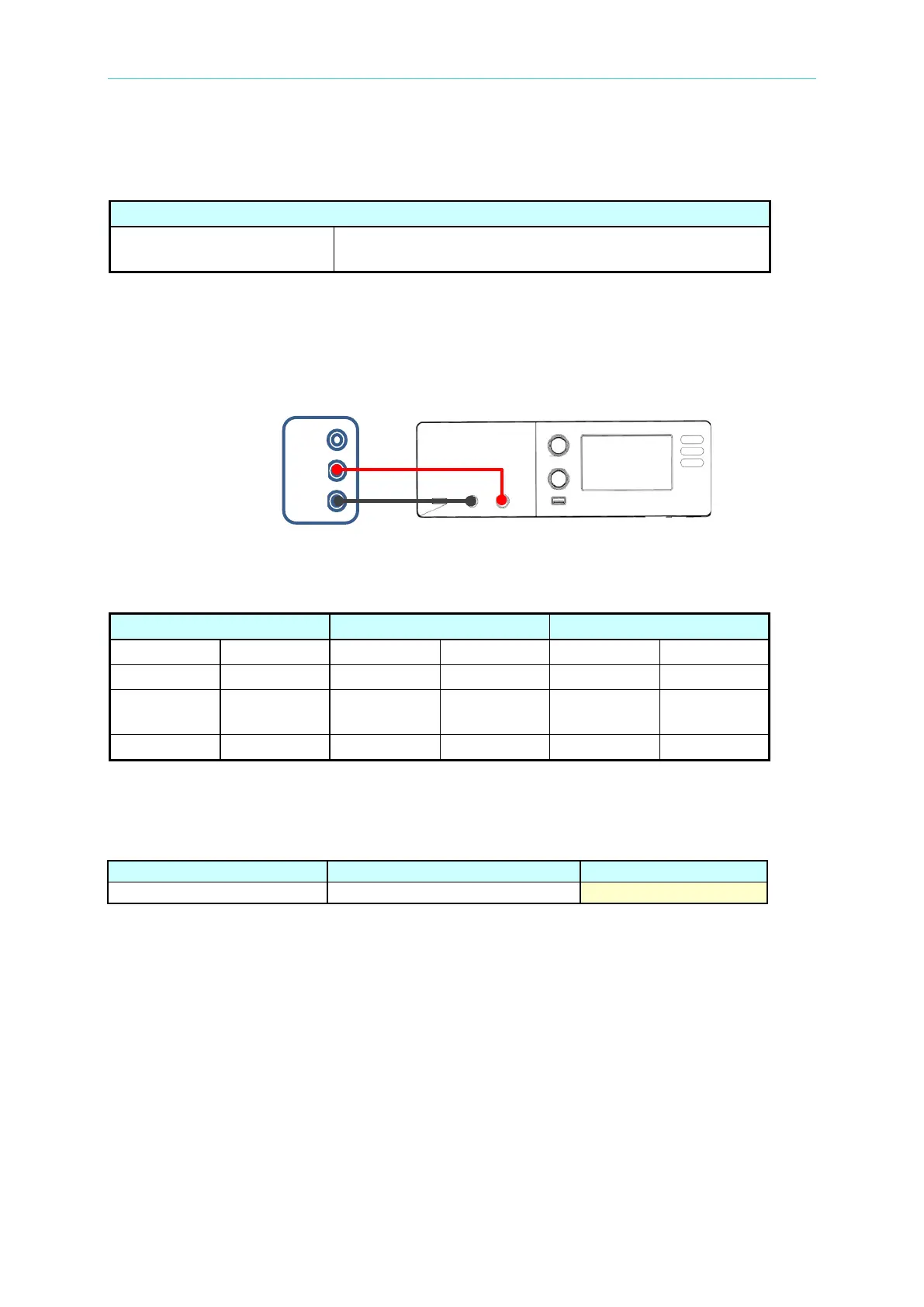
1. Connect the positive/negative output terminal on the 11210 panel to current measured
input terminal of Agilent 34401A (or Keysight 34461A) and change the range of DMM
measurement function to “DCA” as the figure below shows.
2. Click “Edit Condition” on main screen to enter edit parameter page and set the
parameters in sequence as follows. After the setting is done, return to the measurement
main page.
50mA
1PLC. Dwell Time 20ms
3. Press the green “START” key on panel to process measurement and record DMM
current value into the table.
11210 test result of current measurement:



 To Next Page