Battery Cell Insulation Tester 11210 User’s Manual
3-6
3.4 Fuse
There is one fuse installed in the rear panel, please be aware of the following when replacing
it:
1. First turn off the power and unplug the power cord before changing the fuse.
2. The specification of fuse:
11210 AC 100 V∼120 V T8.0 A, 250 V
AC 220 V∼240 V T4.0 A, 250 V
A112102 AC 100 V~240 V T2.5 A, 250 V
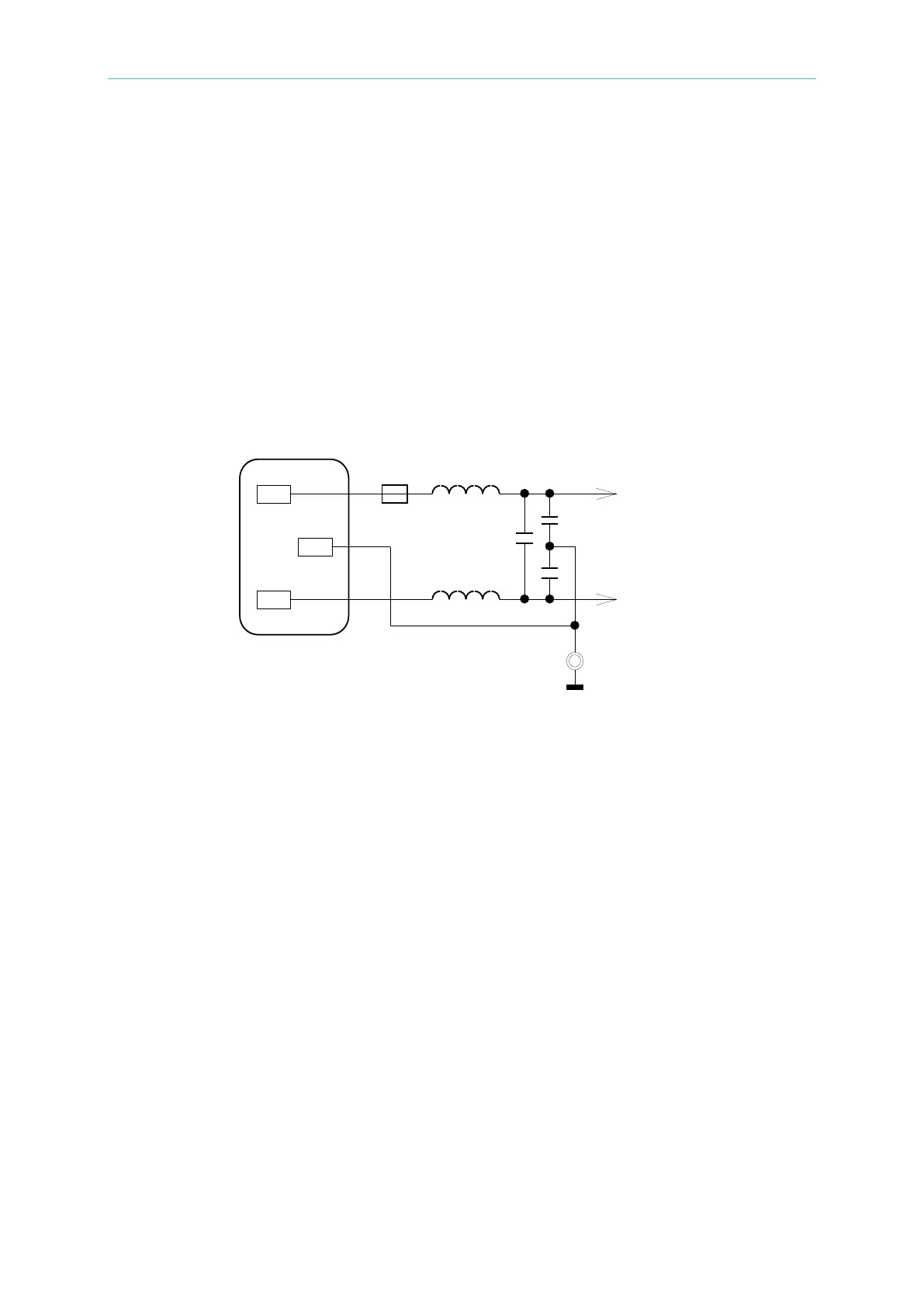
For safety and noise reduction, it is necessary to use a 3-pin power cord to connect the power
inlet on the rear panel for AC line input and to ground the GUARD terminal on the front panel
as Figure 3-4 shows below.
Figure 3-4 Line Input Configuration
3.5 Power Regulation
As this instrument is a precision electronic test device, the accuracy might be severely
influenced by the undulated input power after tested. There is ±10% changeable power even
in the laboratory, so it is suggested to use a regulator between the power sources and test
devices. This is the best way to eliminate the variation of measured data caused by the
unstable power voltage.



 To Next Page