Battery Cell Insulation Tester 11210 User’s Manual
5-24
Relation between Integration Time and Test Time.
1. To perform multiple measurements by single Integration Time speed
within Test Time.
2. Example 1: Test Time=100ms, Integration Time=20ms,
N=100ms/20ms=5, it means to conduct 5 times of measurement
during test time.
3. Example 2: Test Time=50ms, Integration Time=20ms,
N=50ms/20ms=2.5, it means to conduct 3 times of measurement
during test time.
4. When multiple measurements are in progress, any one of the
measurement abnormality occurred will exit from the measurement
process and enter the discharge procedure.
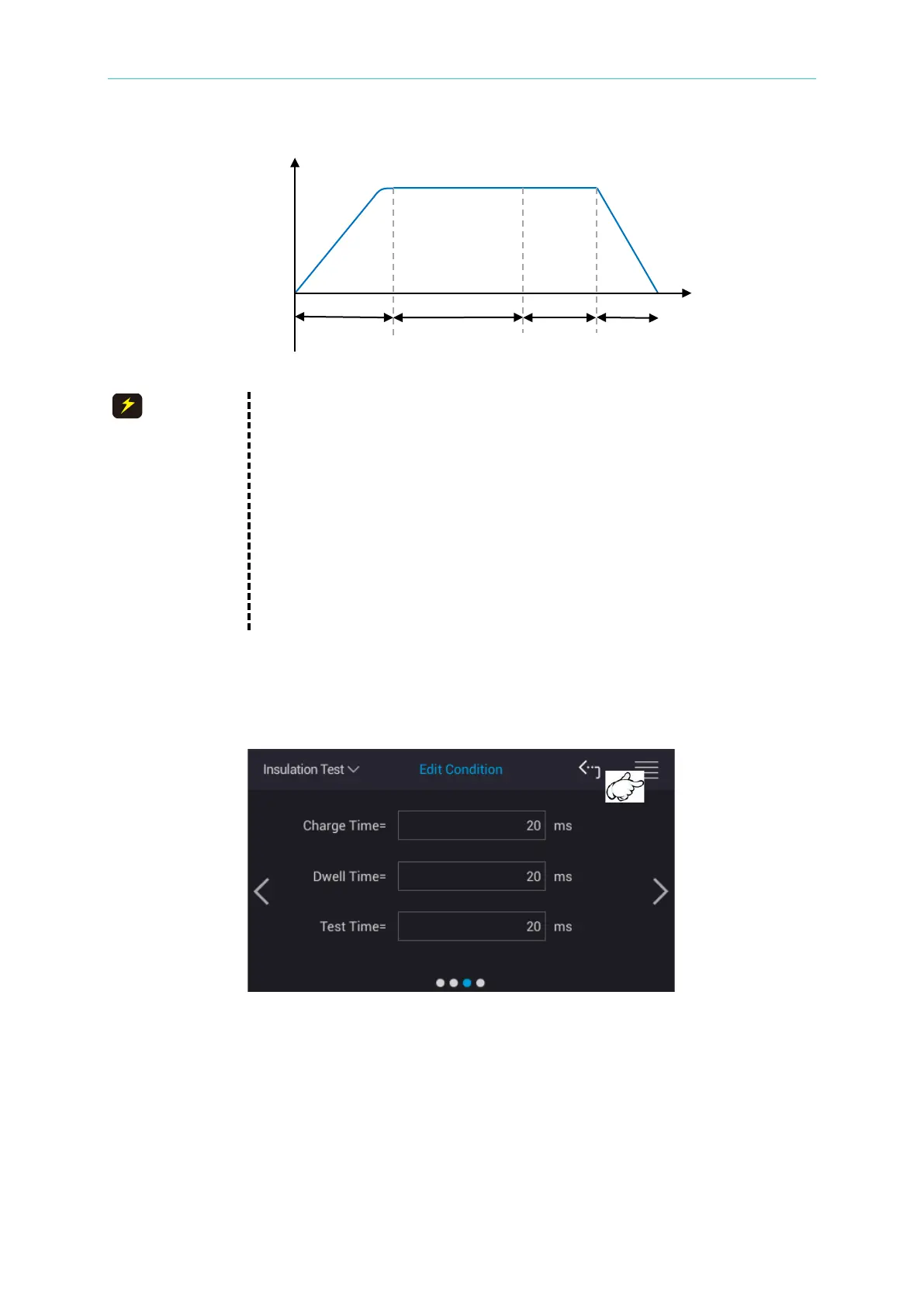
After the settings above described are modified, the value will be saved automatically once
changing setting item. Touch the icon at upper right corner on the screen as the figure shown
below to enter into File Management. It can set the parameters to save or import to different
setup files. See section 3.8 for detailed description.
5.3.3 BDV (BREAKDOWN VOLTAGE) Setup
Select “Edit Condition” to enter into the parameter editing page from the main menu after
powered on. The measured parameters in 11210 are divided into four pages, and scroll the
screen or touch “>” and “<” at two sides of screen to switch it to the forth page.
Time



 To Next Page