Battery Cell Insulation Tester 11210 User’s Manual
5-42
5.5.7 USB Auto Storage Warning
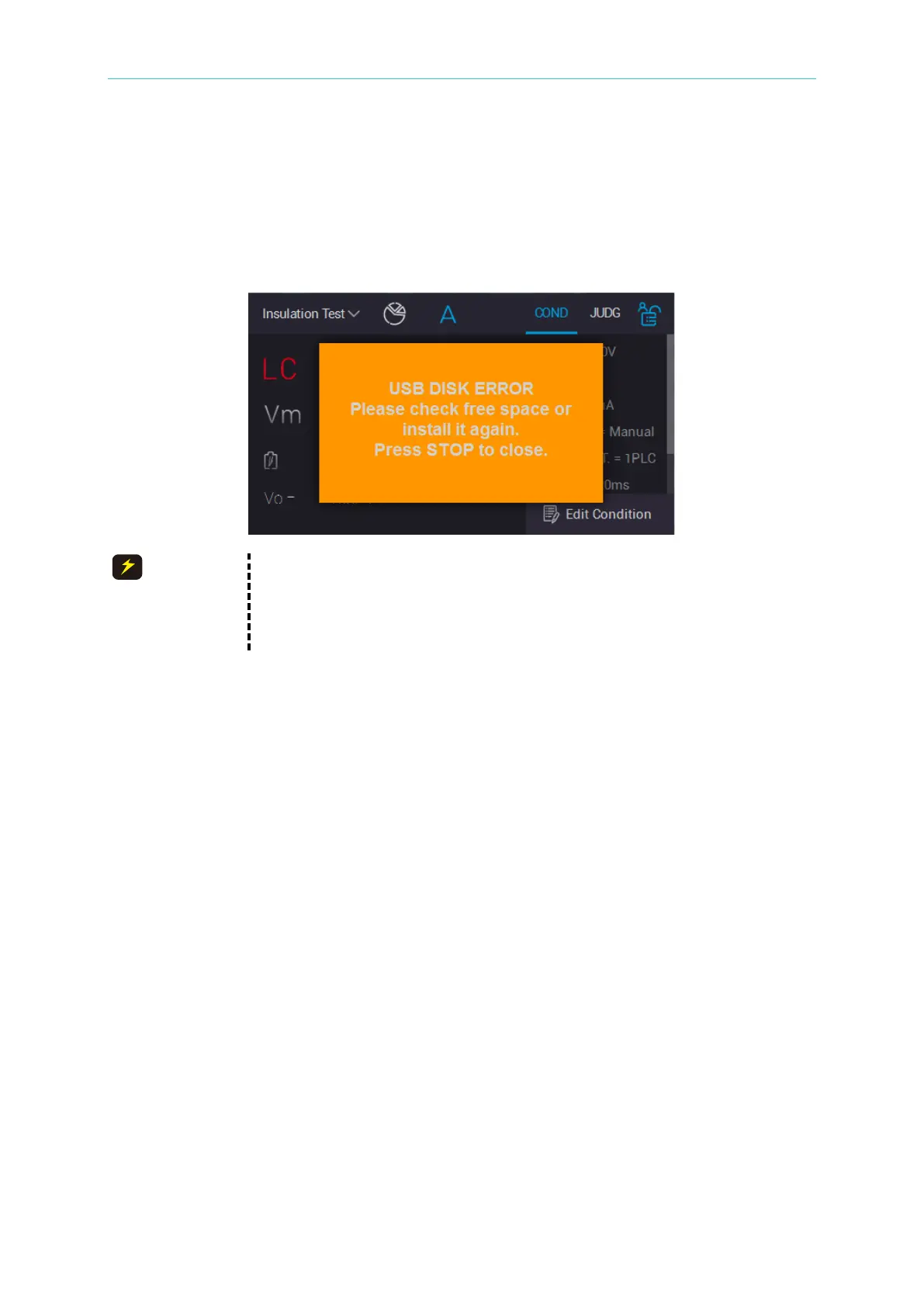
A warning for USB on front panel power is full or USB Disk isn’t inserted. When “Auto Report
(USB Disk)” function in System Setup is enabled and saved the measured data into USB Disk,
the monitor shows the warning message as the below figure. The tester is unable to operate
and output at the same time, operation screen shows protection message as the screen
below.
1. Whether the USB Disk is inserted normally.
2. Make sure whether the capacity of USB Disk is full. Please replace a
new one if yes.
3. Make sure whether the USB Disk is accessed normally.



 To Next Page