Battery Cell Insulation Tester 11210 User’s Manual
A-2
Step:
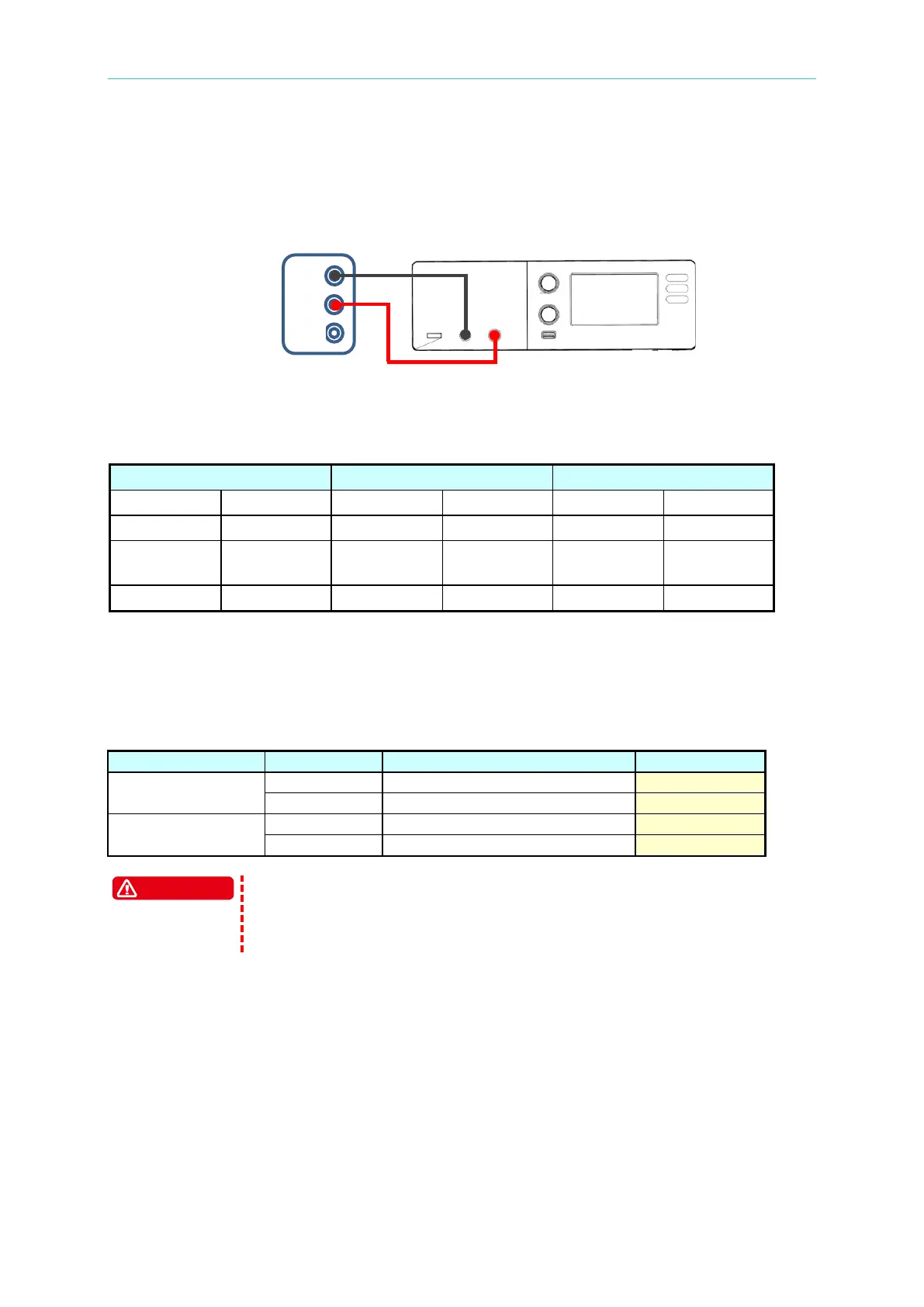
1. Connect the positive/negative output terminal on the 11210 panel to voltage measured
input terminal of Agilent 34401A(or Keysight 34461A) and change the range of DMM
measurement function to “DCV” as the figure below shows.
2. Click “Edit Condition” on main screen to enter edit parameter page and set the
parameters in sequence as follows. After the setting is done, return to the measurement
main page.
0.5mA
1PLC. Dwell Time 20ms
3. Press green “START” key on panel to process measurement and record Vm and DMM
voltage values on the screen into the table.
4. Repeat step 2~3 and set DC Voltage Test in column “Test Voltage” of “Edition condition”
to measure and record it.
11210 test result of voltage measurement:
100 V
1,000 V
UNKNOWN (LEAKAGE CURRENT) contains DC 1000V output
maximum, please be aware of high voltage output hazard. Especially
when measuring, do not touch the UNKNOWN (LEAKAGE CURRENT)
end and test cable to avoid electric shock.



 To Next Page