Managing the System
Administration
Cisco Small Business NSS 322, NSS 324, and NSS 326 Smart Storage Administration Guide 74
3
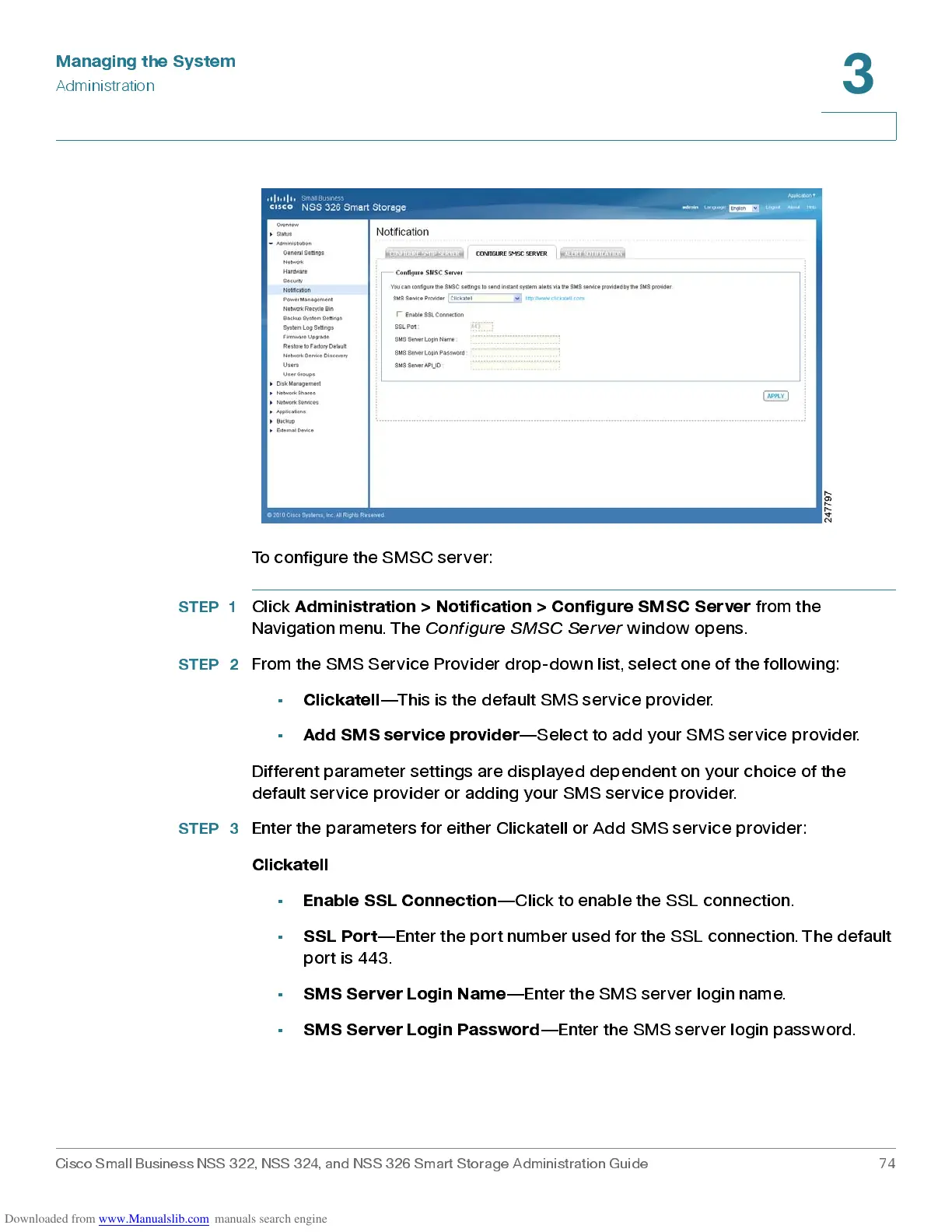
To configure the SMSC server:
STEP 1
Click
Adm in ist ration > N otifi c ation > C onfi gure SMS C S erver
from the
Navigation menu . The
Configure SMSC Server
window opens.
STEP 2
From the SMS Service Provider drop-down list, select one of the following:
•
Clickatell
—This is the default SMS service provider.
•
Add SMS service provider
—S elect to add your S M S service provid er.
Different parameter settings are displayed dependent on your choice of the
default service provid er or add ing your S M S service provid er.
STEP 3
Enter the parameters for either Clickatell or Add SMS service provider:
Clickatell
•
Enab le S SL Conn e cti on
—Click to enable the SSL connection.
•
SSL Port
—Enter the port number used for the SSL connection. The default
port is 443.
•
SMS Server Login Name
—Enter the SMS server login name.
•
SMS Server Login Password
—Enter the SMS server login password.



 To Next Page