188 678.1 - RHB LEXION 480 7.15.11
Axial rotor drive
5. Refit both pulleys and tighten to 195 Nm.
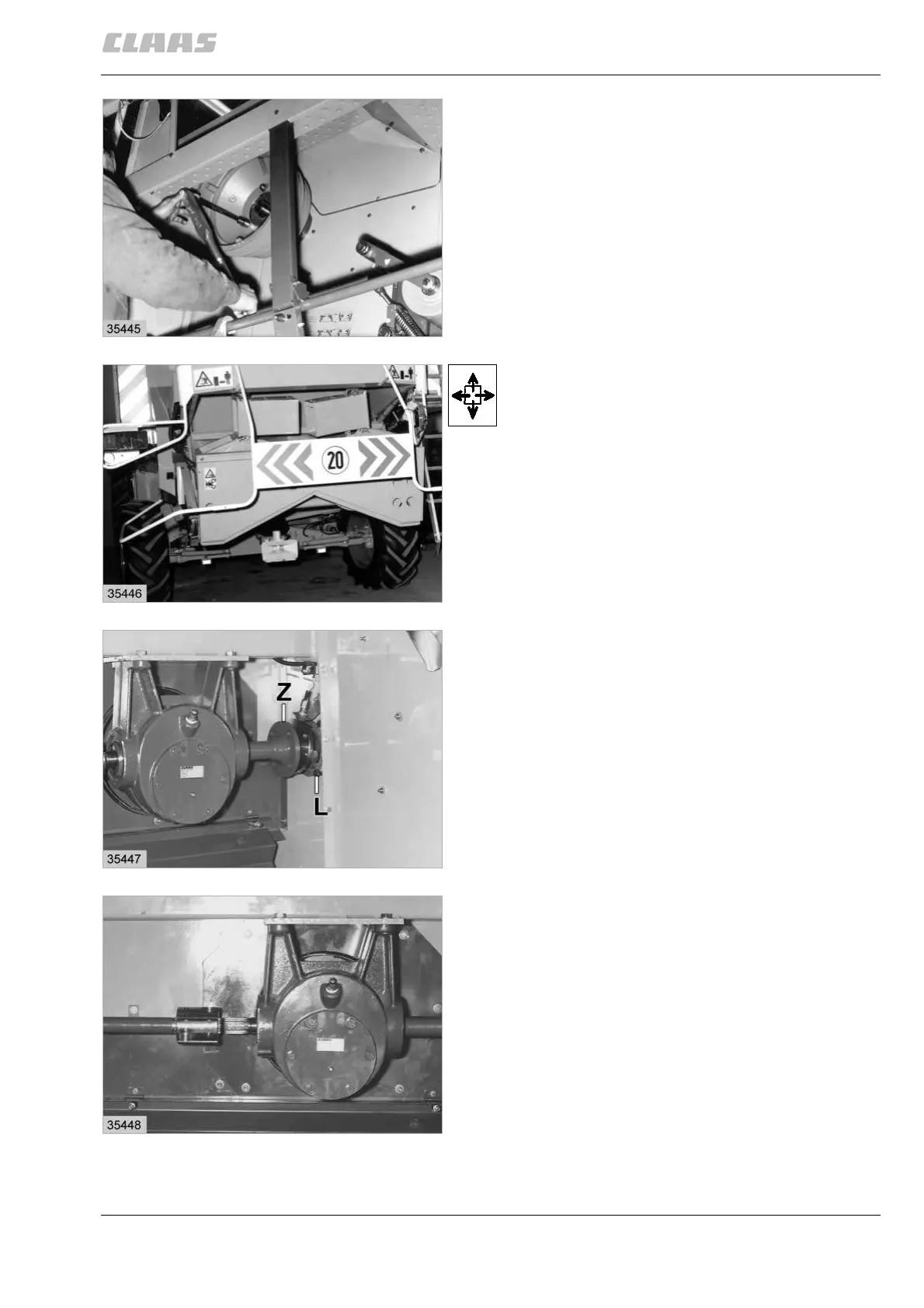
(Fig. 30)
6. Bolt down the round plate.
Install and adjust the axial rotors drive (18).
7. Adjust the magnetic pick-ups.
Removing the axial rotors drive
Remove the rear safety frames for better accessibility
during installation.
Remove the axial rotor step drive (18).
(Fig. 31)
Remove the bearing housing (L) from the side panel.
Now screw hex. bolts M 12 x 50 approx. 10 mm deep
into the bearing housing (L).
Unscrew the stub (Z).
Pull the V-belt pulley with the bearing pin (Z) to the
outside so that the M 12 x 50 hex. bolts make contact
with the side wall.
(Fig. 32)
Slacken off the bolts of the clamping hub and shift
them to the left.
(Fig. 33)
30
31
32
33



 To Next Page