3 Do one of the following:
To disable automatic scheduled snapshots, choose Disable Automatic Snapshots.
To enable automatic snapshots every certain number of hours, choose Periodical
Snapshots, then use the arrows in the Every field to specify the interval between
snapshots, in hours.
To enable daily automatic snapshots at a certain hour, choose Daily Snapshots, then
select the hour at which snapshots should be taken in the Snapshot Time drop-down
list.
4 If you enabled scheduled snapshots, do the following:
a Click Next.
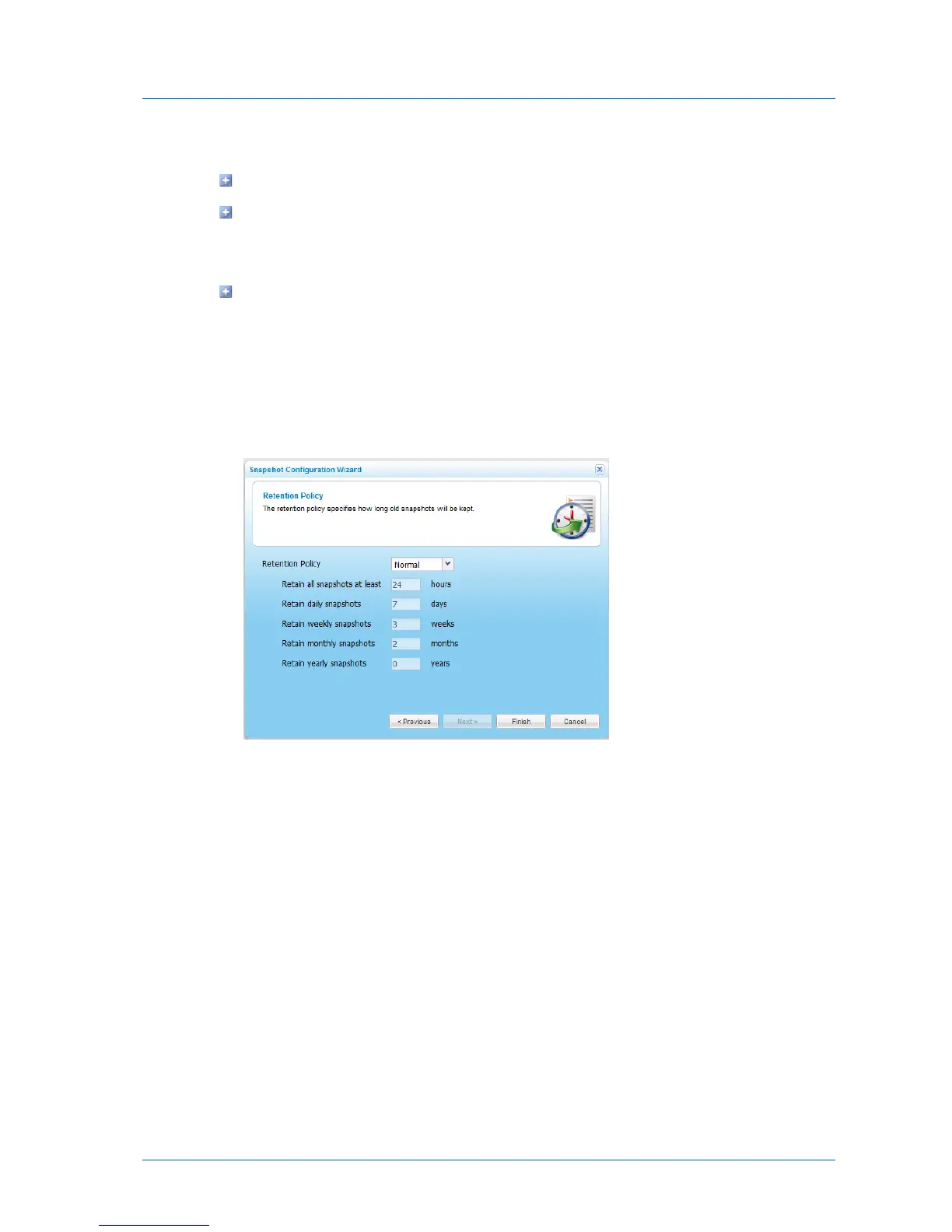
The Retention Policy dialog box appears.
b Complete the fields using the information in the following table.
5 Click Finish.



 To Next Page