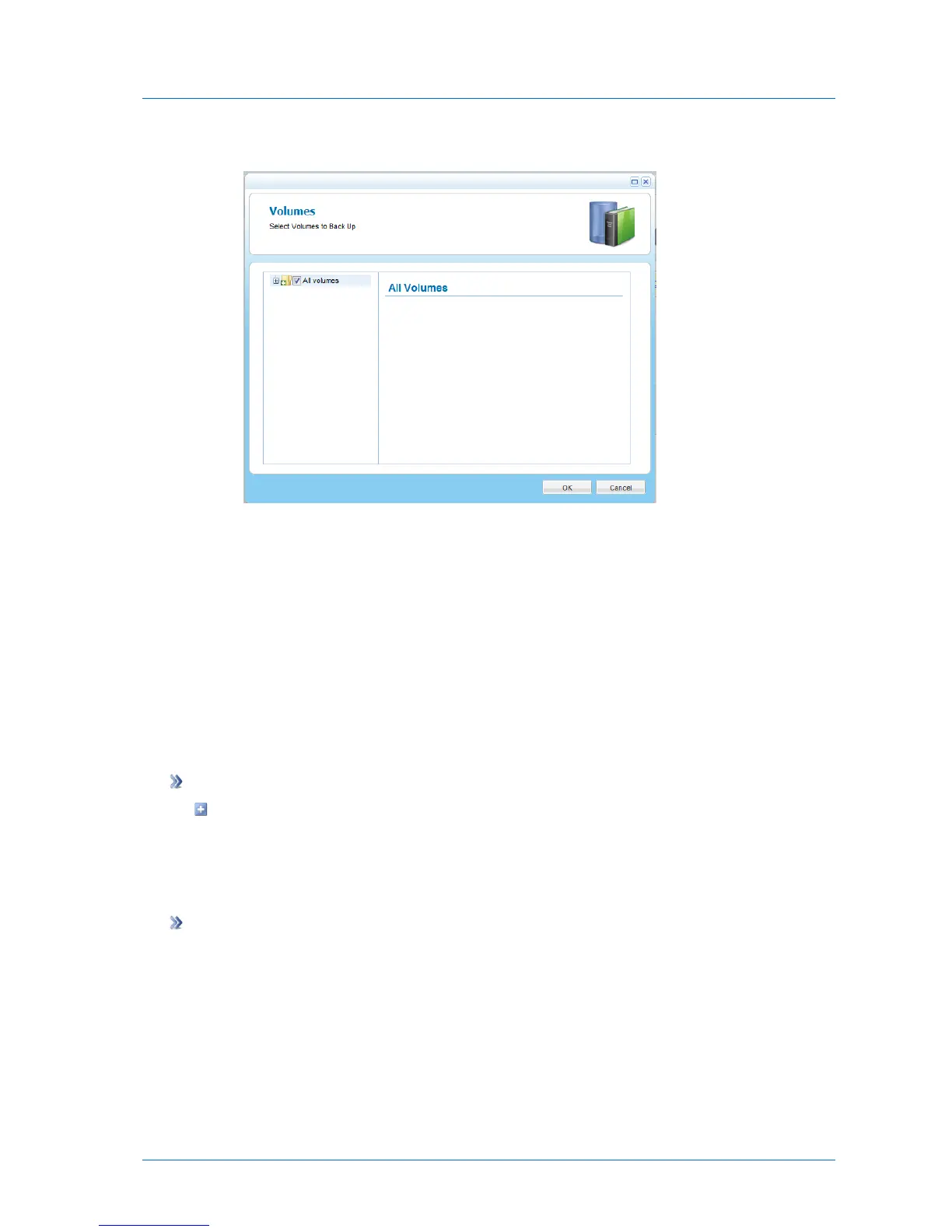
The Volumes window opens.
b Expand the tree nodes and select the check boxes next to the volumes you want to
back up.
For an explanation of the icons and check boxes next to each folder, see Folder Icons
(page 156).
c Click OK.
7 Click Save.
Configuring System State Backup Settings
System state backup is performed as a type of file-level backup.
To configure system state backup settings
Perform file-level backup, and select System State as a backup application.
See Configuring File-Level Backup Settings (on page 233).
Configuring Windows Explorer Integration Settings
To configure Windows Explorer integration settings
1 Open the CTERA Agent Manager.
See Opening the CTERA Agent Manager (on page 230).
2 Click the Explorer Integration tab.



 To Next Page