Configuring Global File-Level Backup Settings
To configure global file-level settings for all CTERA Agents
1 In the Configuration tab's navigation pane, click Local Backup > CTERA Agents.
The Local Backup > CTERA Agents page appears.
2 Click Configuration.
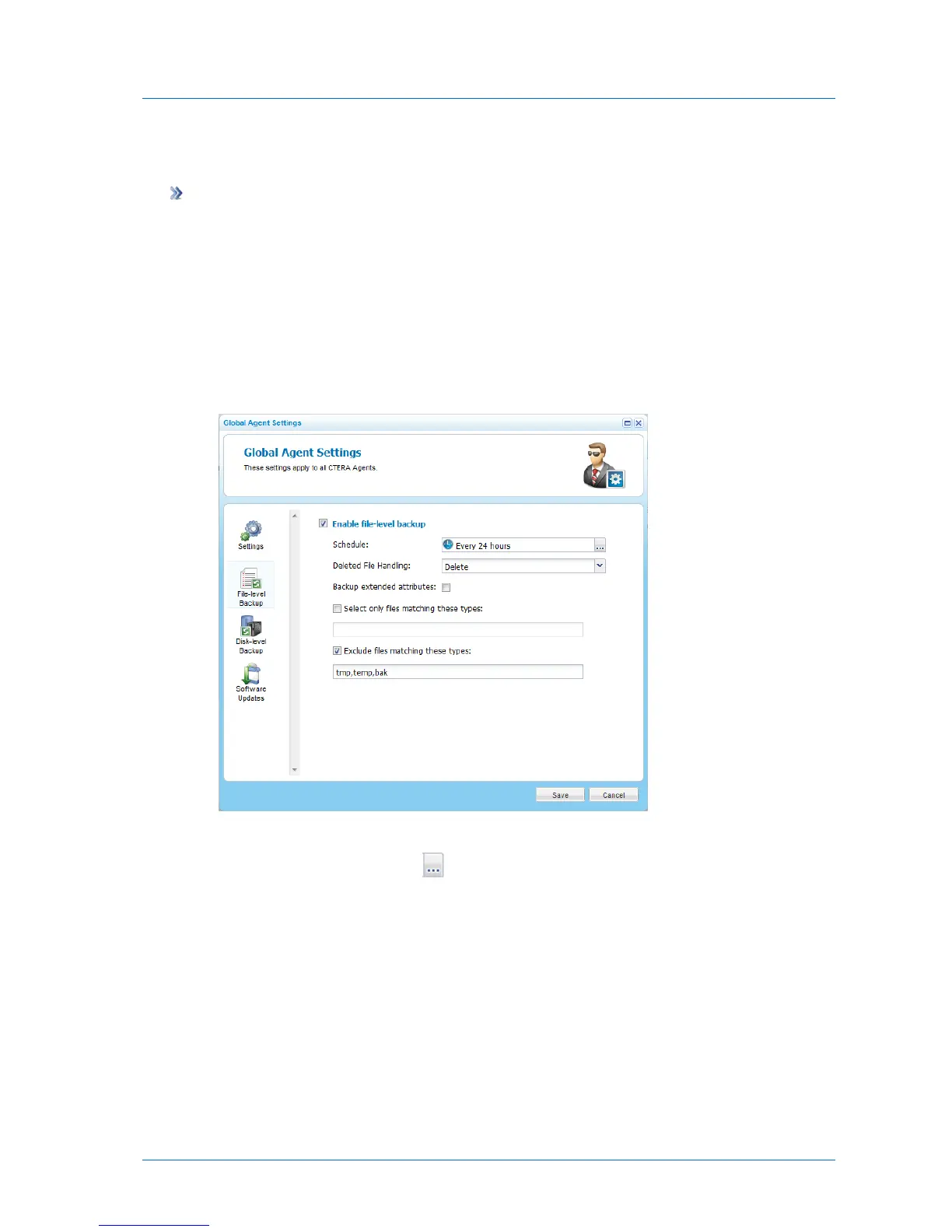
The Global Agents Settings window opens displaying the Settings tab.
3 Click the File-level Backup tab.
The File-level Backup tab appears.
4 To schedule file-level backup, do the following:
a In the Schedule field, click .



 To Next Page