After connecting, you can add a bookmark in your Web browser, for easy access
to the appliance Web interface.
Logging in to the Web Interface for the First Time
To log in to the Web interface for the first time
1 Connect to the appliance Web interface as described in Connecting to the Web Interface
(on page 35).
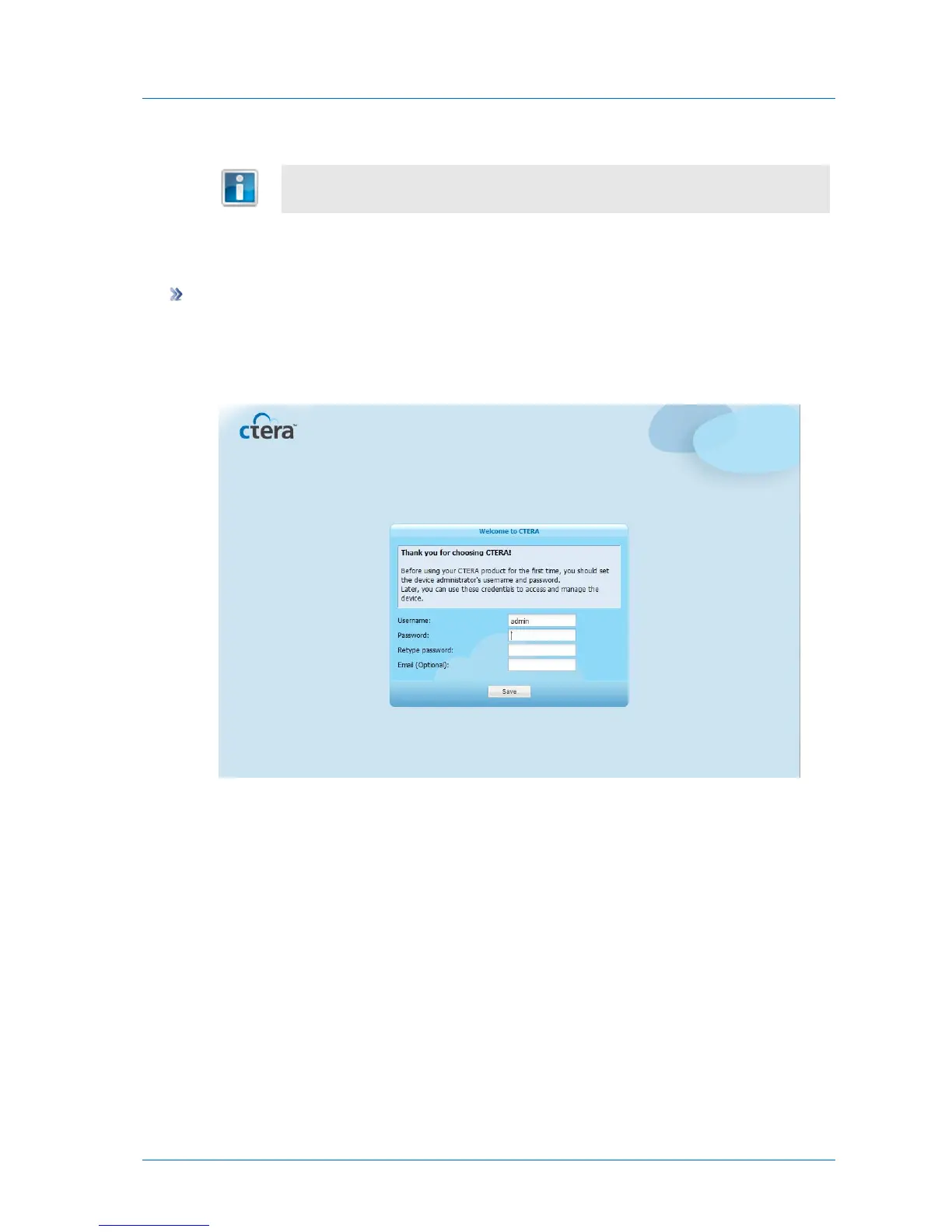
Your Web browser displays the Welcome to CTERA page.
In this page, you will choose log in credentials for the appliance administrator, the user
you will use to manage the appliance.
2 In the User Name field, type a user name for the appliance administrator.
3 In the Password field, type a password for the appliance administrator, then retype the
same password in the Retype Password field for confirmation
The password must be at least 5 characters long.



 To Next Page