c In the On Days drop-down list, select the days on which data scrubbing should be
performed. This can be any of the following:
One or more specific days
Every Day. Data scrubbing will occur every day.
d Click OK.
5 Click Finish.
Manually Starting Data Scrubbing
You can manually start data scrubbing for an array at any time.
To manually start data scrubbing for an array
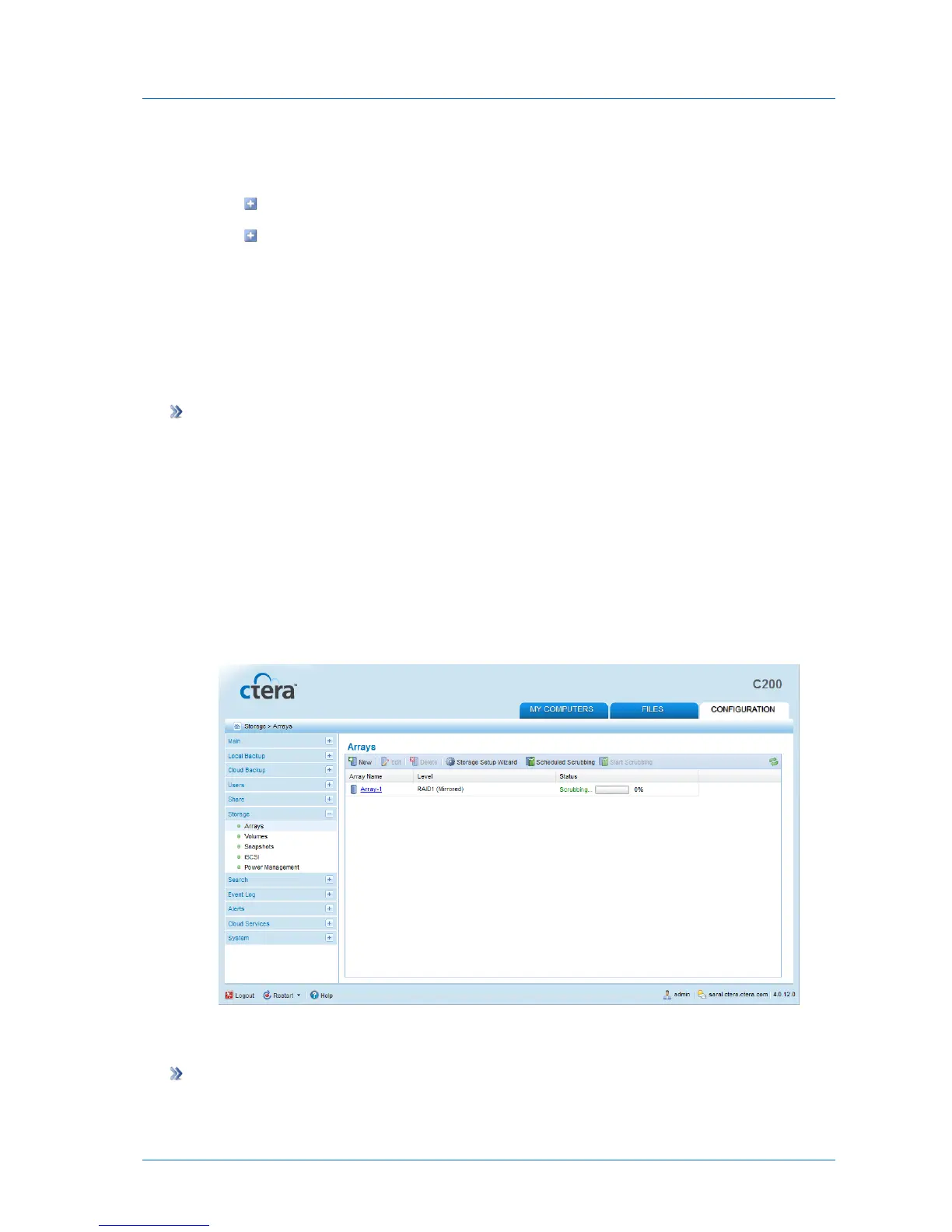
1 In the Configuration tab's navigation pane, click Storage > Arrays.
The Storage > Arrays page appears.
2 Click on the desired array's row.
3 Click Start Scrubbing.
Scrubbing starts, and a success message appears.
4 Click OK.
A progress bar tracks the scrubbing's progress.
Adding and Editing Logical Volumes
To add or edit a logical volume
1 In the Configuration tab's navigation pane, click Storage > Volumes.



 To Next Page