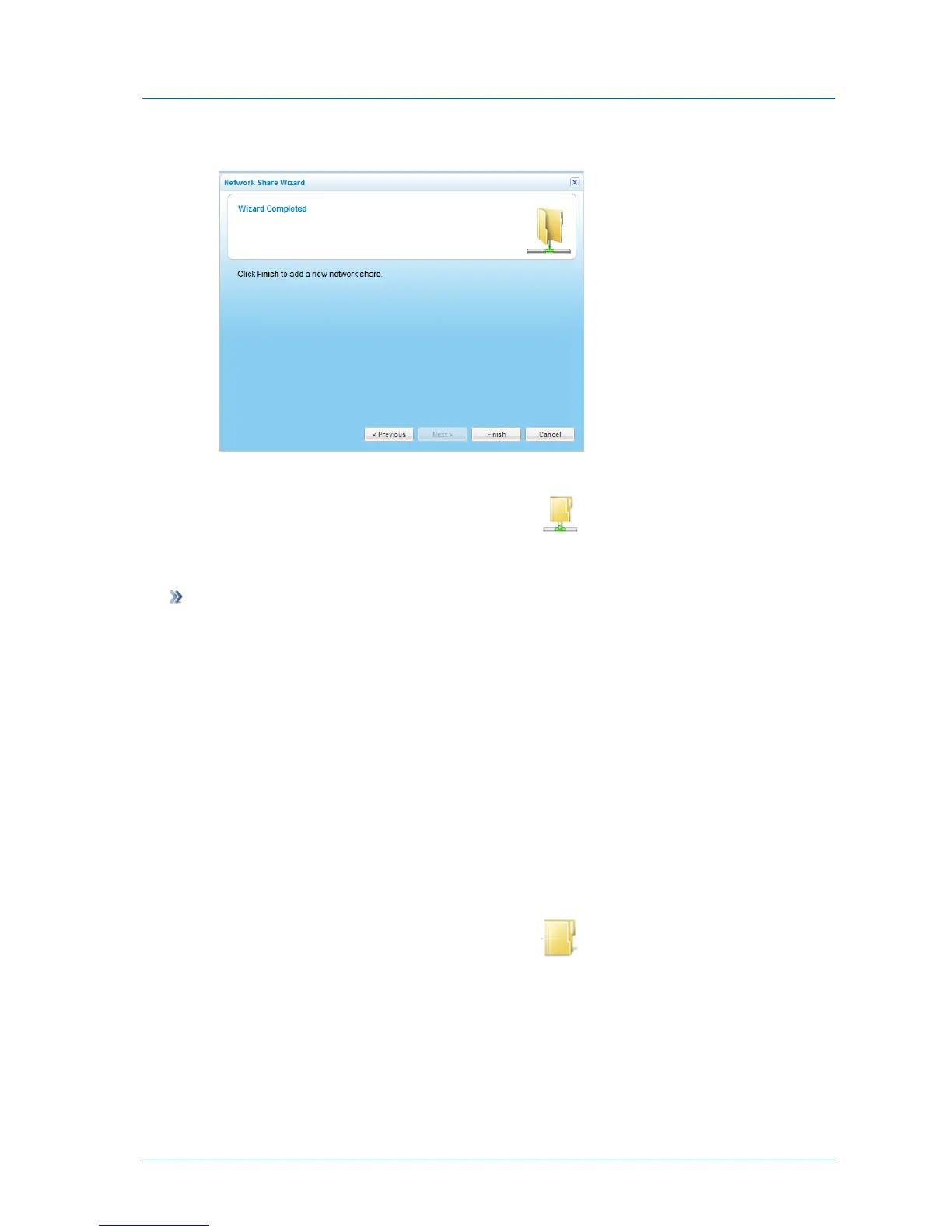
The Wizard Completed screen appears.
19 Click Finish.
In the File Manager, the folder's icon changes to .
Removing Network Shares from Folders
To remove a network share from a folder
1 In the File Manager, change to the Volumes view.
See Changing the Tree Pane View (on page 278).
2 Navigate to the desired folder.
See Navigating Between Folders (on page 278).
3 In the right pane, select the desired folder.
4 Click Actions, and then click Unshare.
A confirmation message appears.
5 Click Yes.
The folder is no longer shared.
In the File Manager, the folder's icon changes to .



 To Next Page