Connecting the Appliance to Your CTERA Portal Account
To enjoy CTERA Cloud Attached Storage services, such as cloud backup, remote monitoring,
and reporting, you need to connect the appliance to your CTERA portal account.
To connect the appliance to your CTERA Portal account
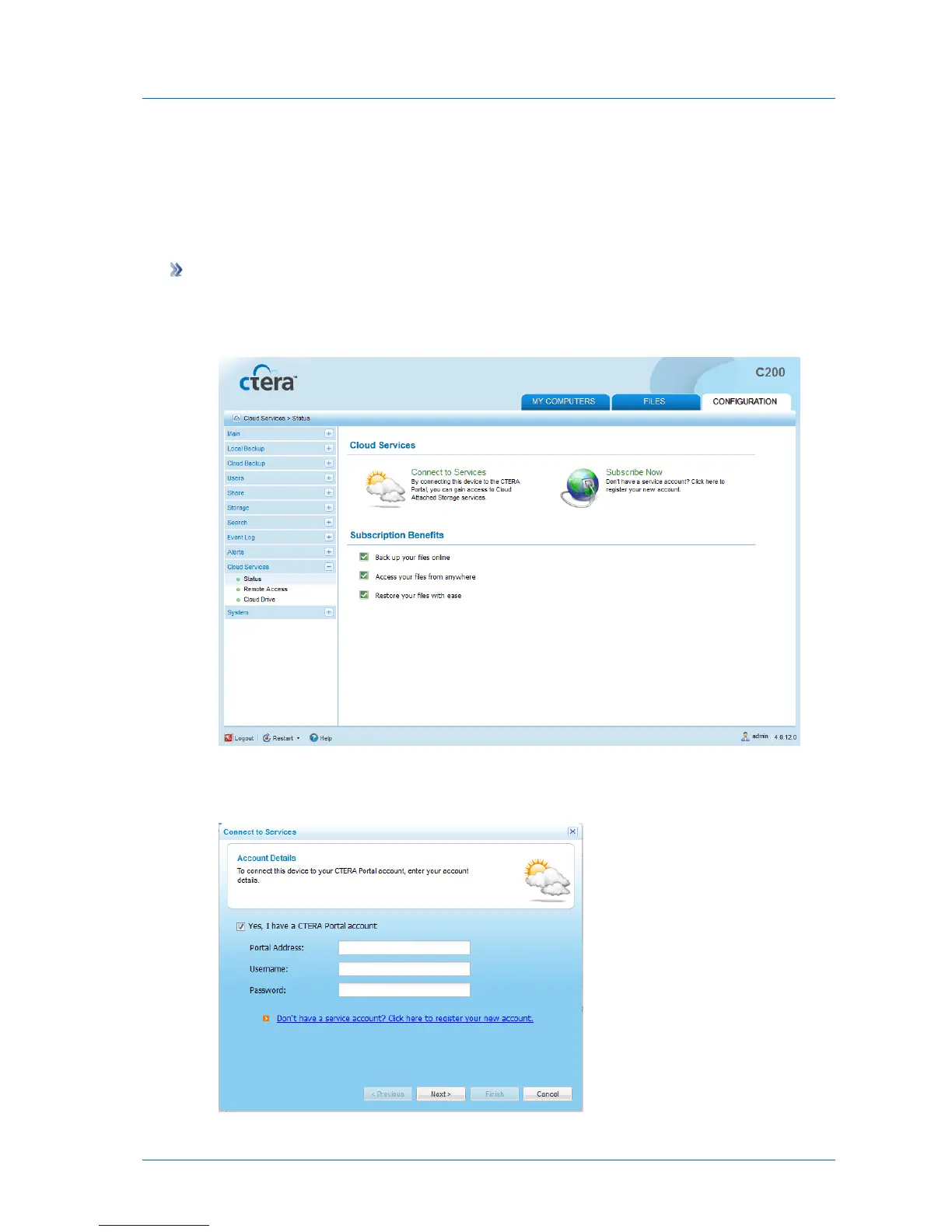
1 In the Configuration tab's navigation pane, click Cloud Services > Status.
The Cloud Services > Status page appears.
2 Click Connect to Services.
The Connect to Services Wizard opens, displaying the Account Details dialog box.



 To Next Page