260 CTERA C-Series User Guide
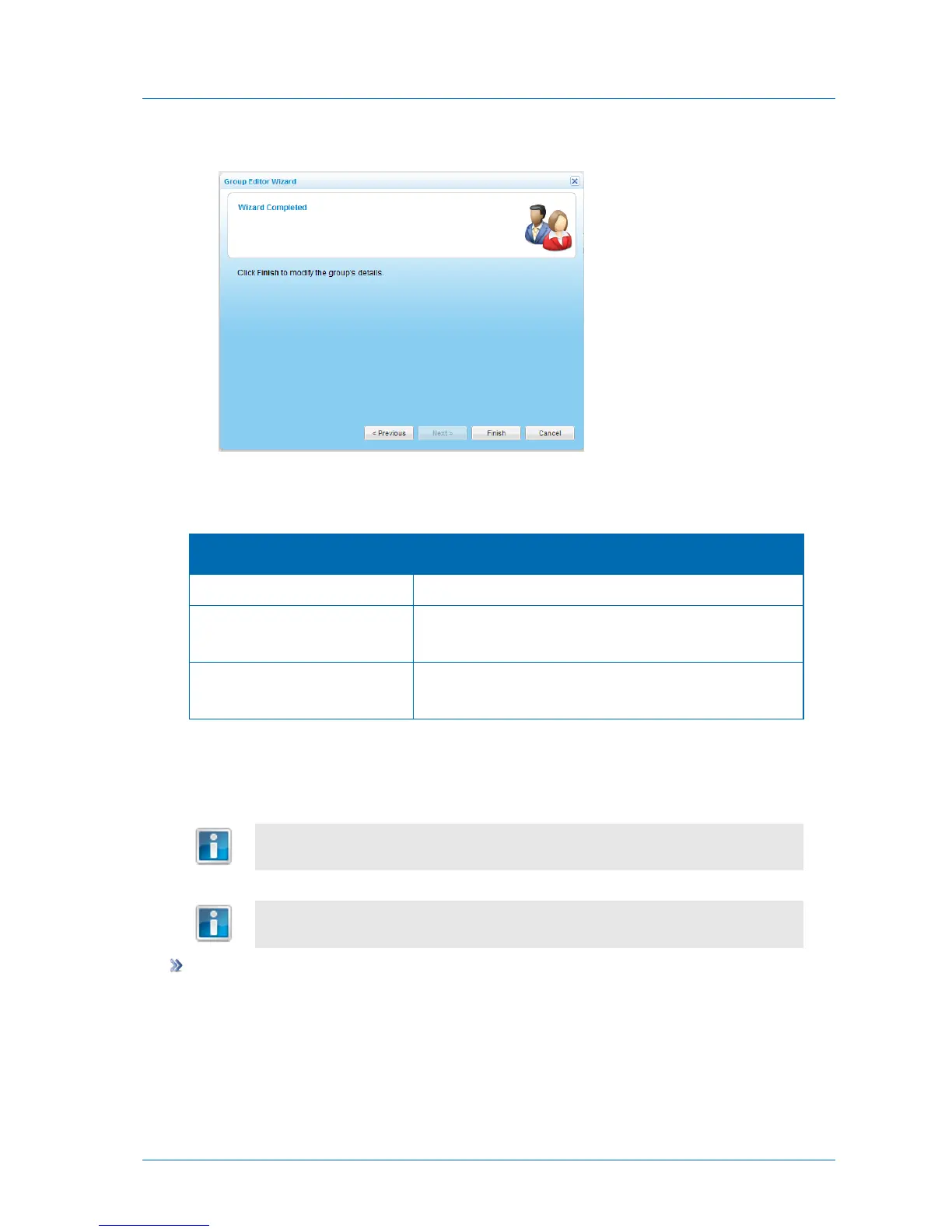
The Wizard Completed screen appears.
8 Click Finish.
Table 51: User Group Fields
Type a name for the user group.
Type a numeric ID to assign the group.
This field is optional.
Type a description of the user group.
This field is optional.
Deleting a user group does not delete the group members.
The groups Read Only Administrators and Administrators are built-in. It is not
possible to delete the built-in user groups.
To delete a user group
1 In the Configuration tab's navigation pane, click Users > User Groups.
The Users > User Groups page appears.
2 Select the desired user group and click Delete.
A confirmation message appears.



 To Next Page