Installing a SATA Hard Drive in the CTERA C800
To install a SATA hard drive
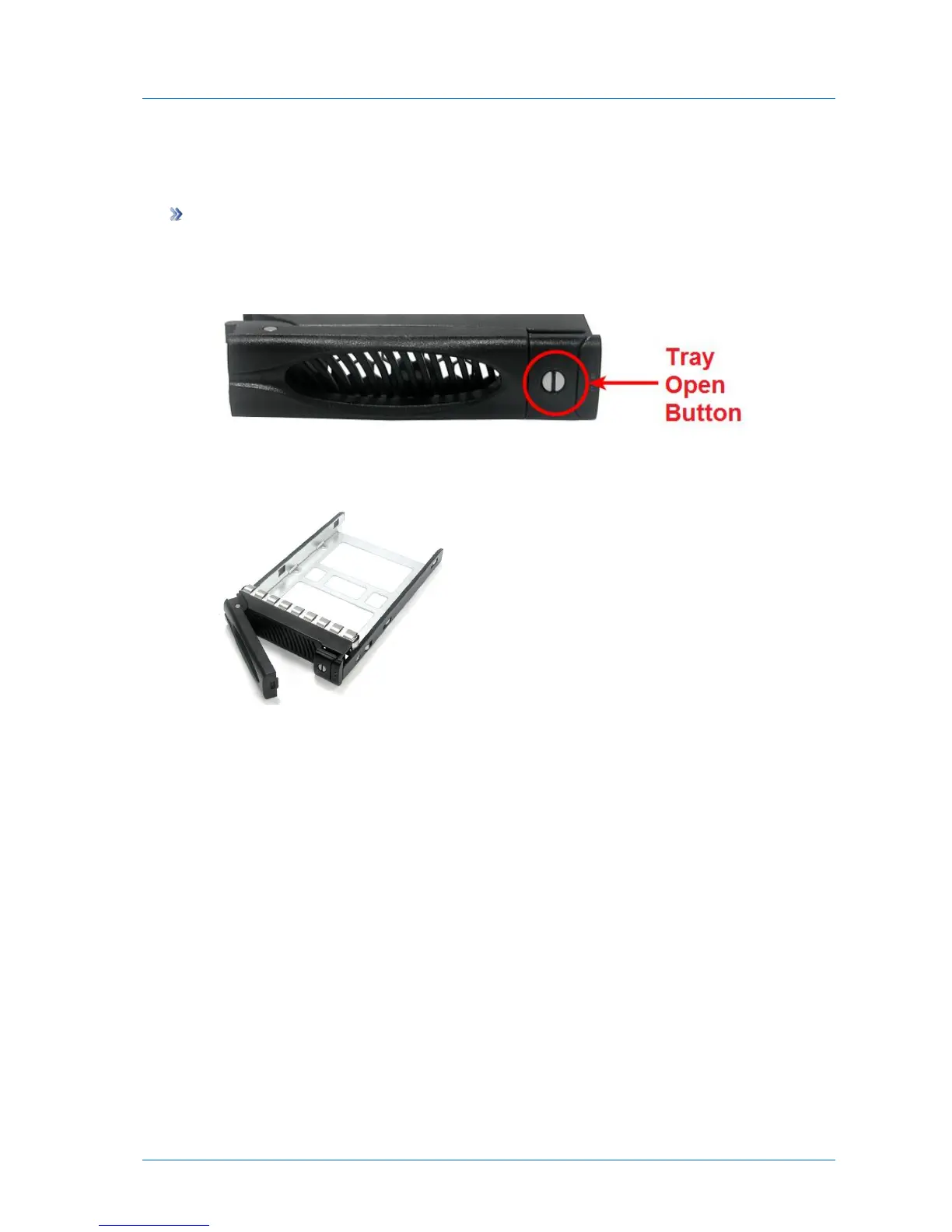
1 If the desired disk tray's Tray Open Button indicates that the disk tray is locked (that is,
the groove is horizontal), then unlock the disk tray by using one of the supplied disk tray
keys to turn the groove until it is vertical.
2 Press the disk tray's Tray Open Button.
The disk tray lever pops out.
3 Pull the lever outwards to remove the disk tray from the C800.
4 Place the hard drive in the empty disk tray.



 To Next Page