Manually Starting Index Updates
You can manually start an index update at any time.
To manually start update the file search index
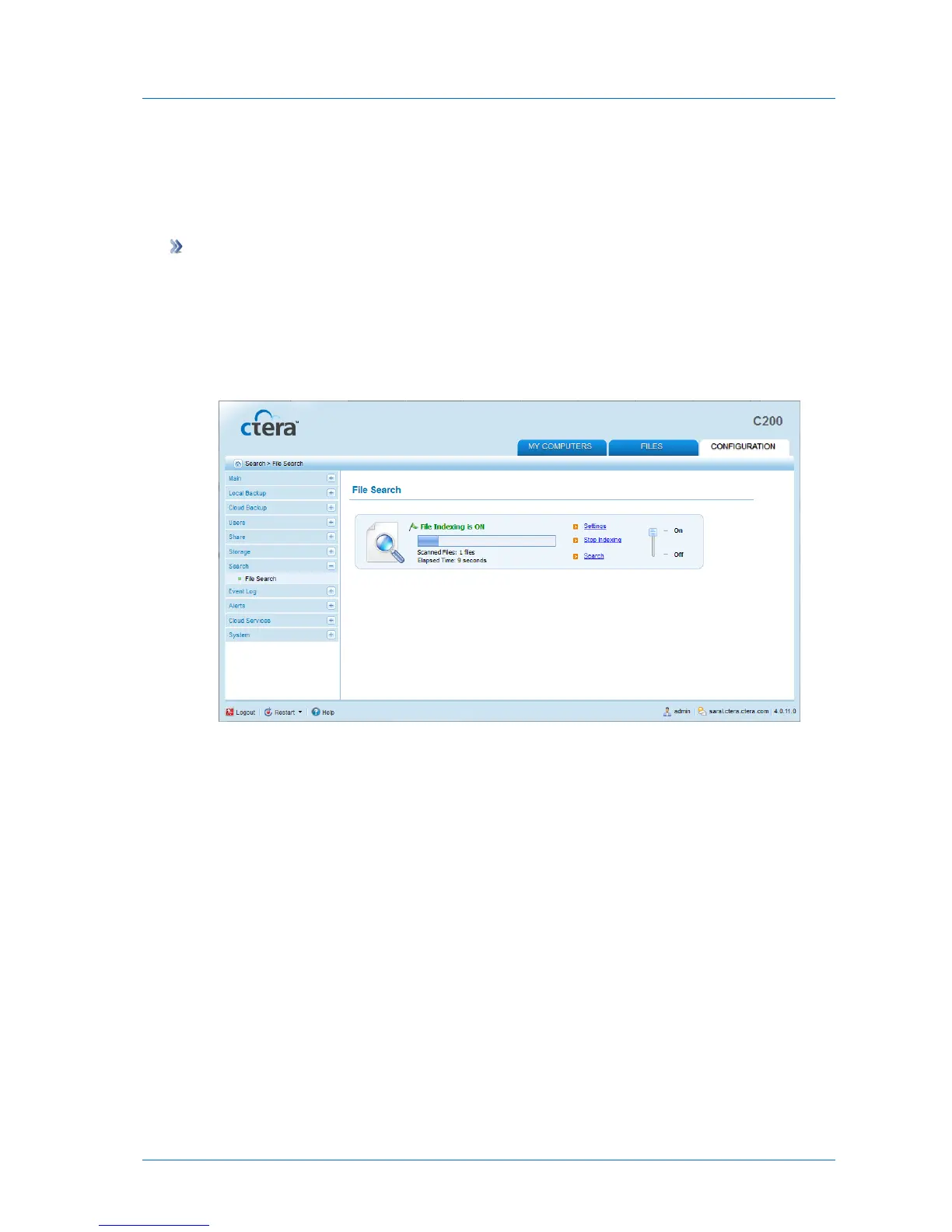
1 In the Configuration tab's navigation pane, click Search > File Search.
The File Search page appears.
2 Click Update Now.
The file search index is updated. A progress bar tracks the indexing progress.
To stop indexing, click Stop Indexing.
When indexing is complete, the Indexed Files field displays the number of files indexed,
and the Last Update field displays the date and time at which the last index update
occurred.



 To Next Page