170 CTERA C-Series User Guide
Suspending the Cloud Backup Service
You can suspend the CTERA Cloud Backup service, including:
The currently running backup
All scheduled automatic backup
Performing the following procedure is equivalent to suspending the Cloud Backup
service via the CTERA Agent tray icon's right-click menu.
To suspend the CTERA Cloud Backup service
1 In the Configuration tab's navigation pane, click Cloud Backup > Control Panel.
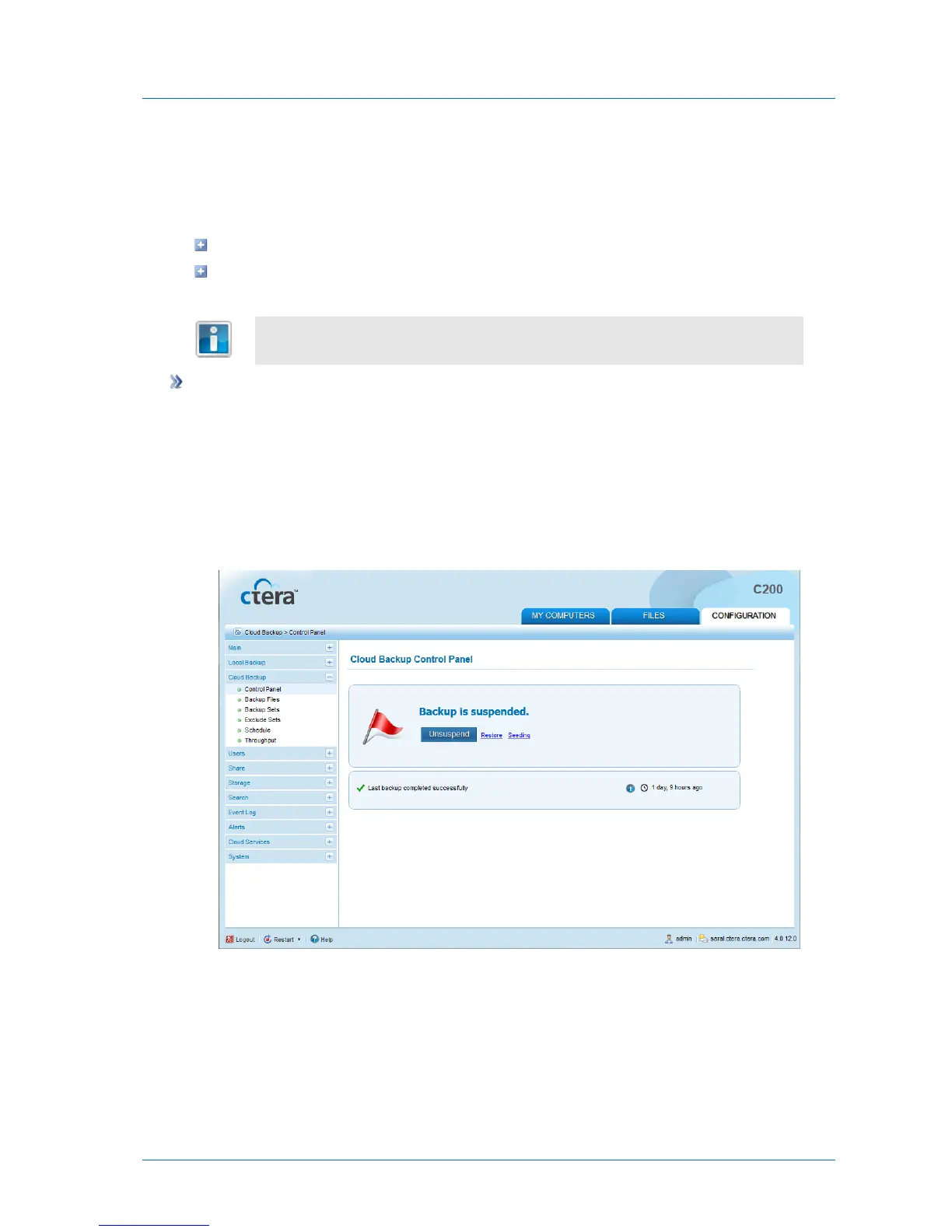
The Cloud Backup > Control Panel page appears.
2 Click Suspend.
If a backup is currently running, it is paused. All future automatic backups are suspended.
A message appears, indicating that backup has been suspended.



 To Next Page