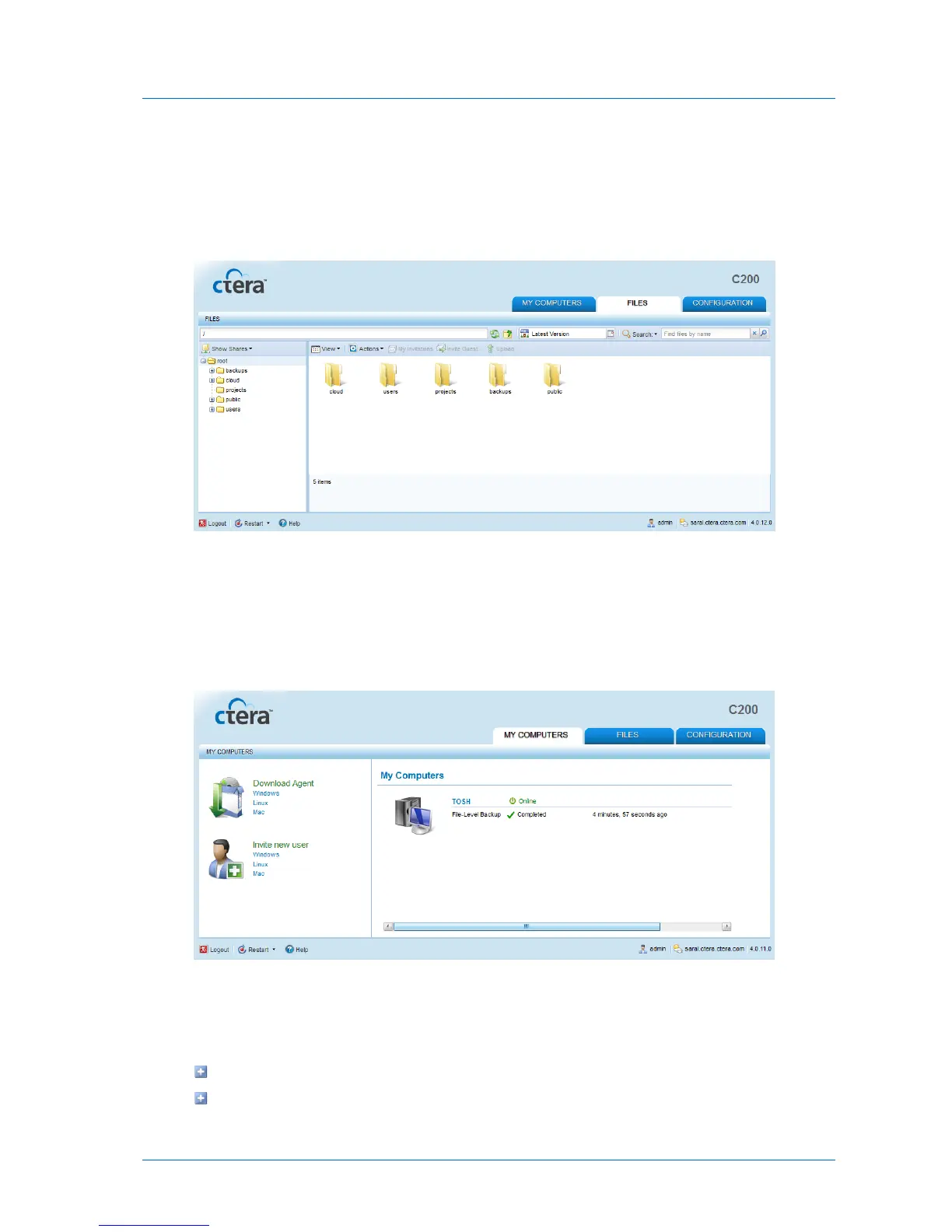
The Files Tab
The Files tab displays the File Manager, which enables you to view and manage the files and
folders on the appliance.
For more information on the File Manager, see The File Manager (on page 277).
The My Computers Tab
The My Computers tab allows managing connected CTERA Agents. Users can view their own
agents, and administrators can view all defined agents.
The Status Bar
The status bar includes the following elements:
Controls for logging out of, shutting down, and restarting the appliance
Controls for accessing online help



 To Next Page