Restricting Throughput
If desired, you can restrict the amount of bandwidth used for backing up files online.
To restrict throughput
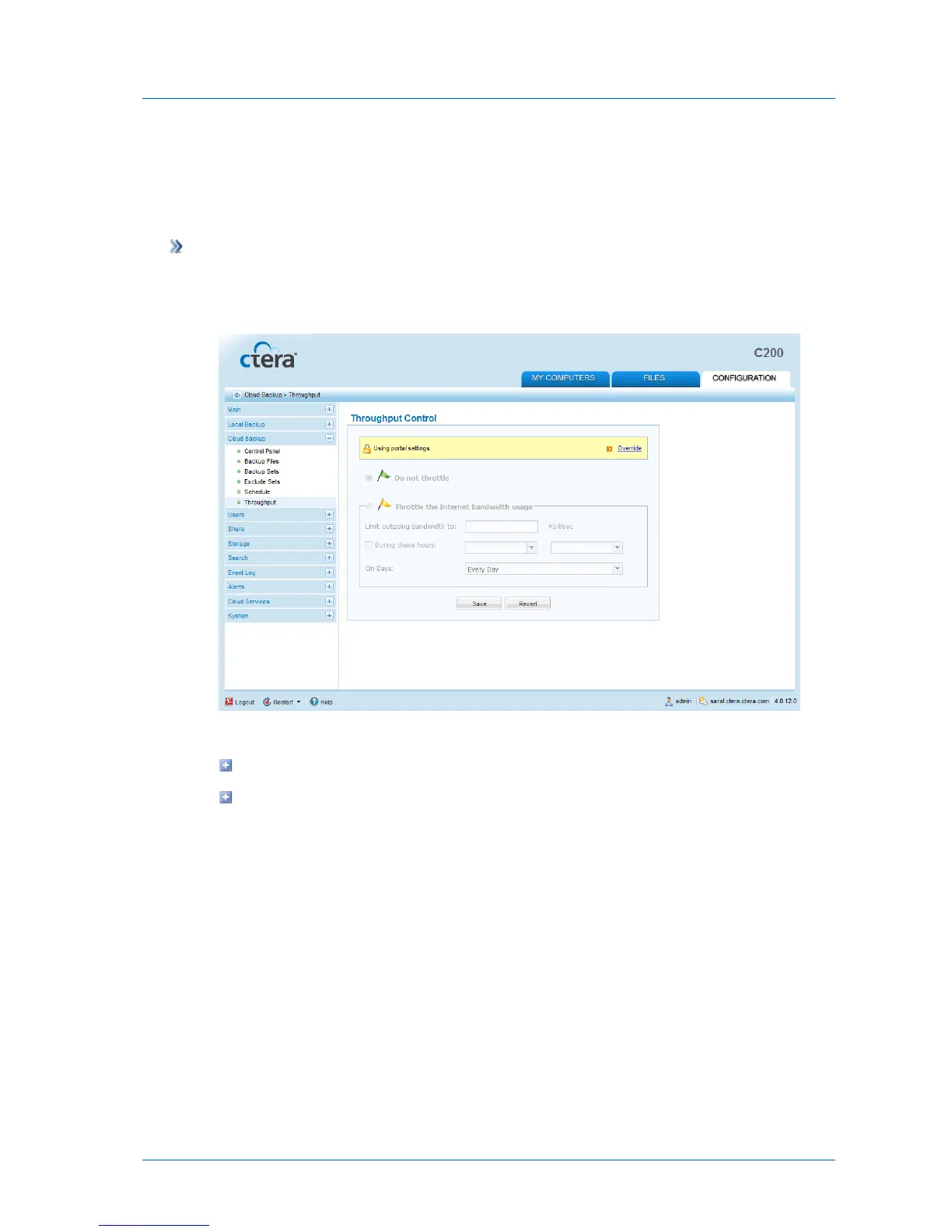
1 In the Configuration tab's navigation pane, click Cloud Backup > Throughput.
The Cloud Backup > Throughput page appears.
2 Do one of the following:
To override settings inherited from the CTERA Portal, click Override.
To use settings configured in the CTERA Portal, click Use portal settings.
3 Complete the fields using the information in the following table.
4 Click Save.



 To Next Page