12 Centrally Managing CTERA Agents
246 CTERA C-Series User Guide
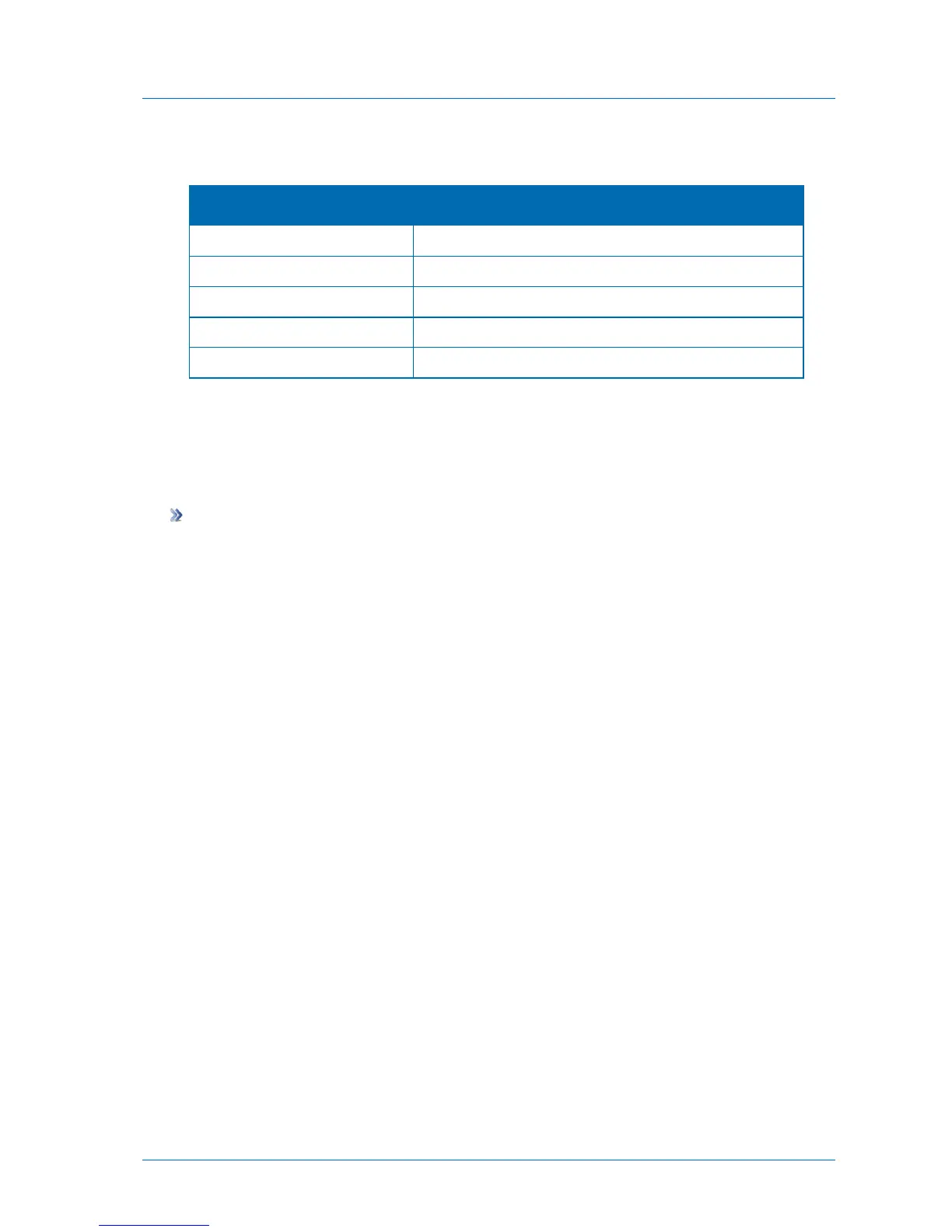
Table 48: CTERA Agent Statuses
The CTERA Agent is connected and idle.
The CTERA Agent is disabled.
The CTERA Agent is not connected to the appliance.
The CTERA Agent is performing a backup operation.
The CTERA Agent is retrying a failed backup operation.
Viewing Agent Details
You can view CTERA Agent details, including its version, the operating system on which it is
installed, and copyright information.
To view CTERA Agent details
1 Open the CTERA Agent Manager.
See Opening the CTERA Agent Manager (on page 230).
2 Click the About tab.



 To Next Page