Viewing Agent Backups
To view CTERA Agent backups
1 Open the CTERA Agent Manager.
See Opening the CTERA Agent Manager (on page 230).
2 Click the Restore tab.
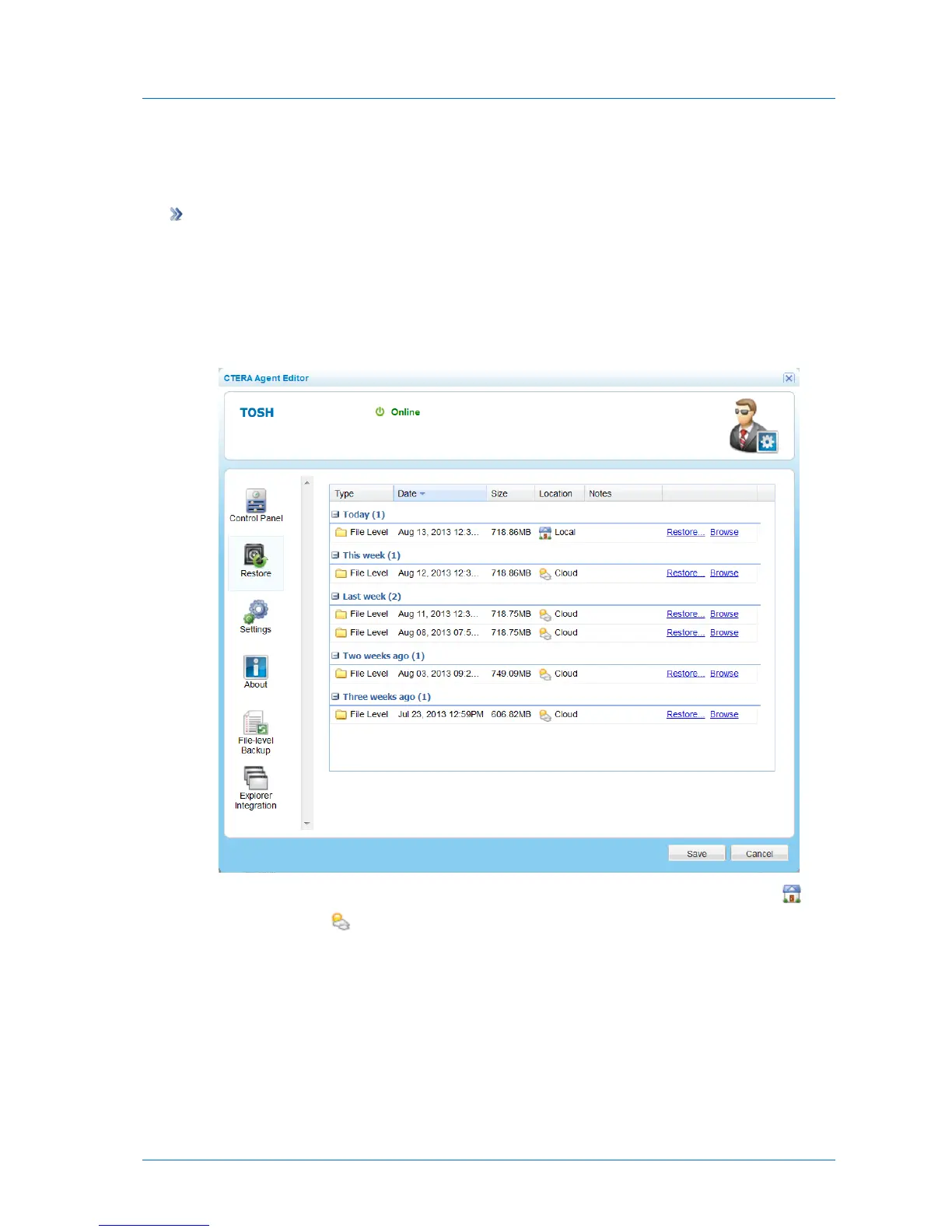
The Restore tab appears with a table of backups for the agent.
The Location field specifies whether the backup is stored locally in a NEXT3 snapshot (
) or in the cloud ( ). Accessing local snapshots is faster.
3 To view the files included in a backup, click the Browse link for the desired backup.
The Files tab opens displaying the files.



 To Next Page