Installing the CTERA C200
To install the CTERA C200
1 Install at least one hard drive in the appliance.
See Installing a SATA Hard Drive in the CTERA C200 (on page 11).
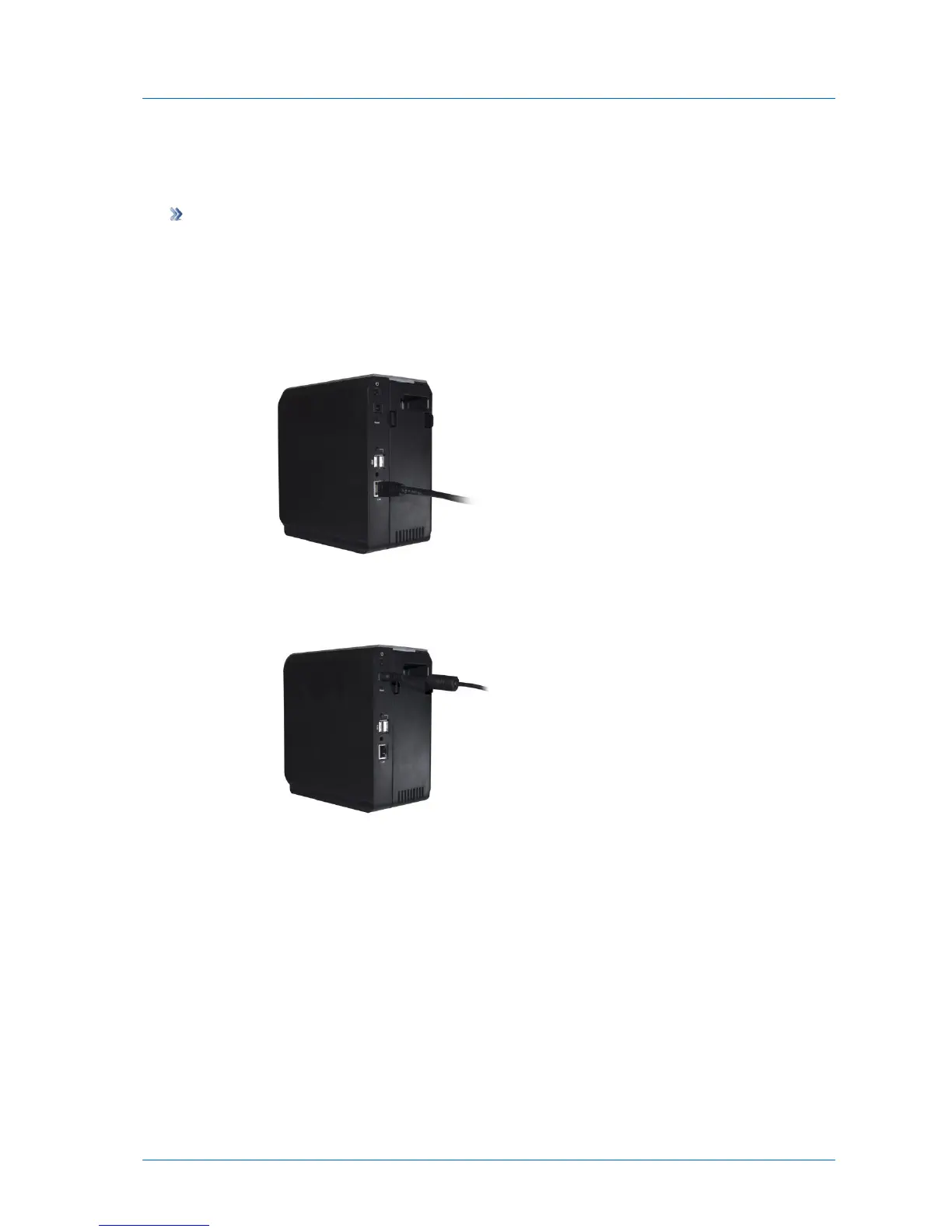
2 Connect one end of the Ethernet cable to the LAN port, and connect the other end to
your Ethernet LAN switch or router.
3 Connect the provided power supply cable to the power jack, and connect the power
supply to the wall outlet.
4 Press the Power button at the back of the appliance.
The appliance will start up, and the Ready/Status LED will flash rapidly in orange and then
green. When the LED turns steady green, the appliance is ready.
The appliance automatically obtains an IP address using DHCP.



 To Next Page