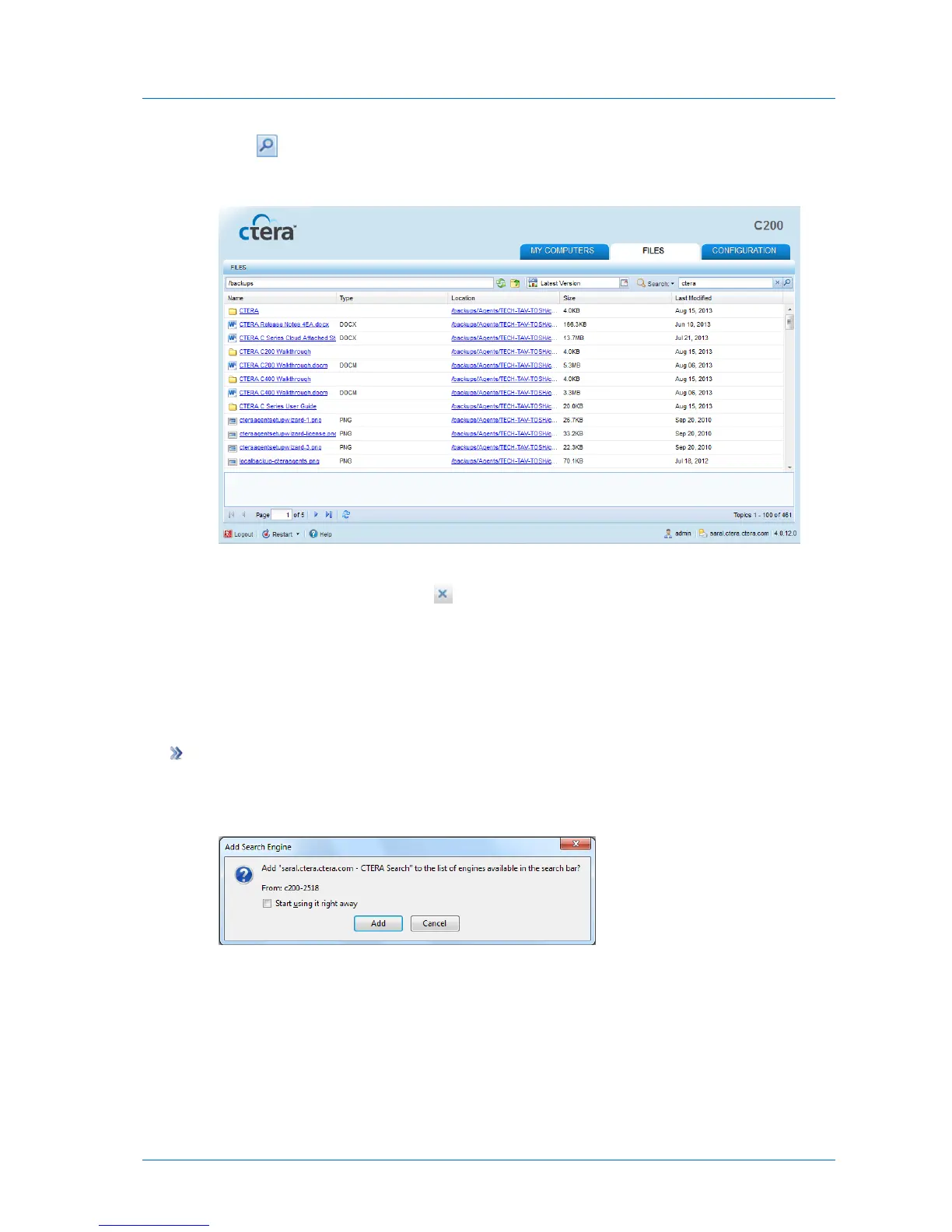
2 Click .
The search results appear.
3 To download a file appearing in the search results, click on its name.
4 To clear the search results, click .
Adding the Appliance as a Search Provider in Your Browser
You can add the appliance as a search provider in your browser. This enables you to search
for files directly from your browser's search box.
To add the appliance as a search provider
1 In the File Manager, open the Search drop-down list and select Add as search provider.
The Add Search Engine dialog box appears.
2 To start using the appliance as a search provider immediately, select the Start using it
right away check box.
If you do not select this option, the appliance will only be added as a search provider
upon restarting your browser.
3 Click Add.



 To Next Page