Scheduling Automatic Snapshots
You can schedule automatic daily snapshots and a snapshot retention policy for all
NEXT3-snapshot-enabled volumes. For an explanation of retention policies, see
Understanding Snapshot Retention Policies (on page 91).
To schedule automatic snapshots
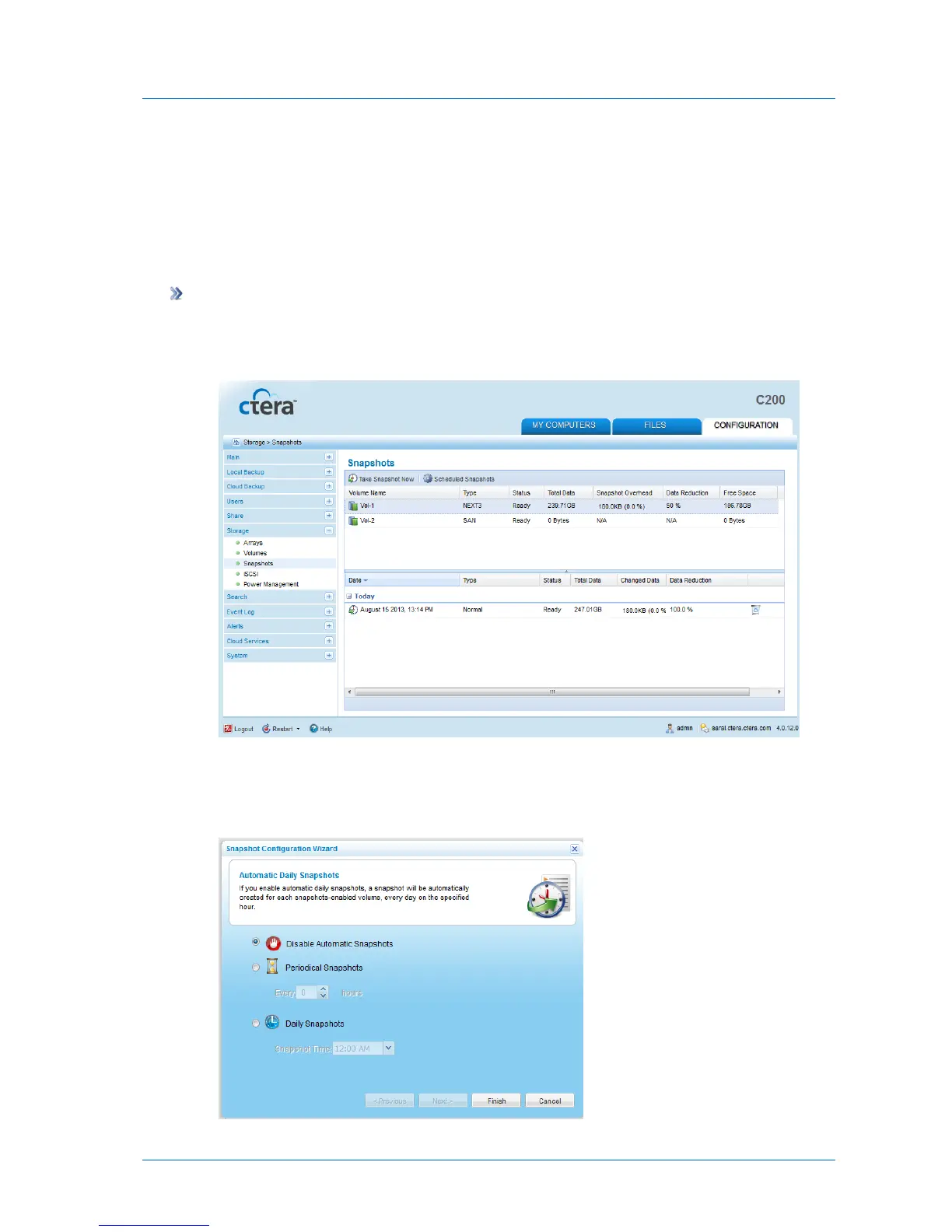
1 In the Configuration tab's navigation pane, click Storage > Snapshots.
The Storage > Snapshots page appears.
2 Click Scheduled Snapshots.
The Snapshot Configuration Wizard opens, displaying the Automatic Daily Snapshots
dialog box.



 To Next Page