Viewing Cloud Sync Logs
To view Cloud Sync logs
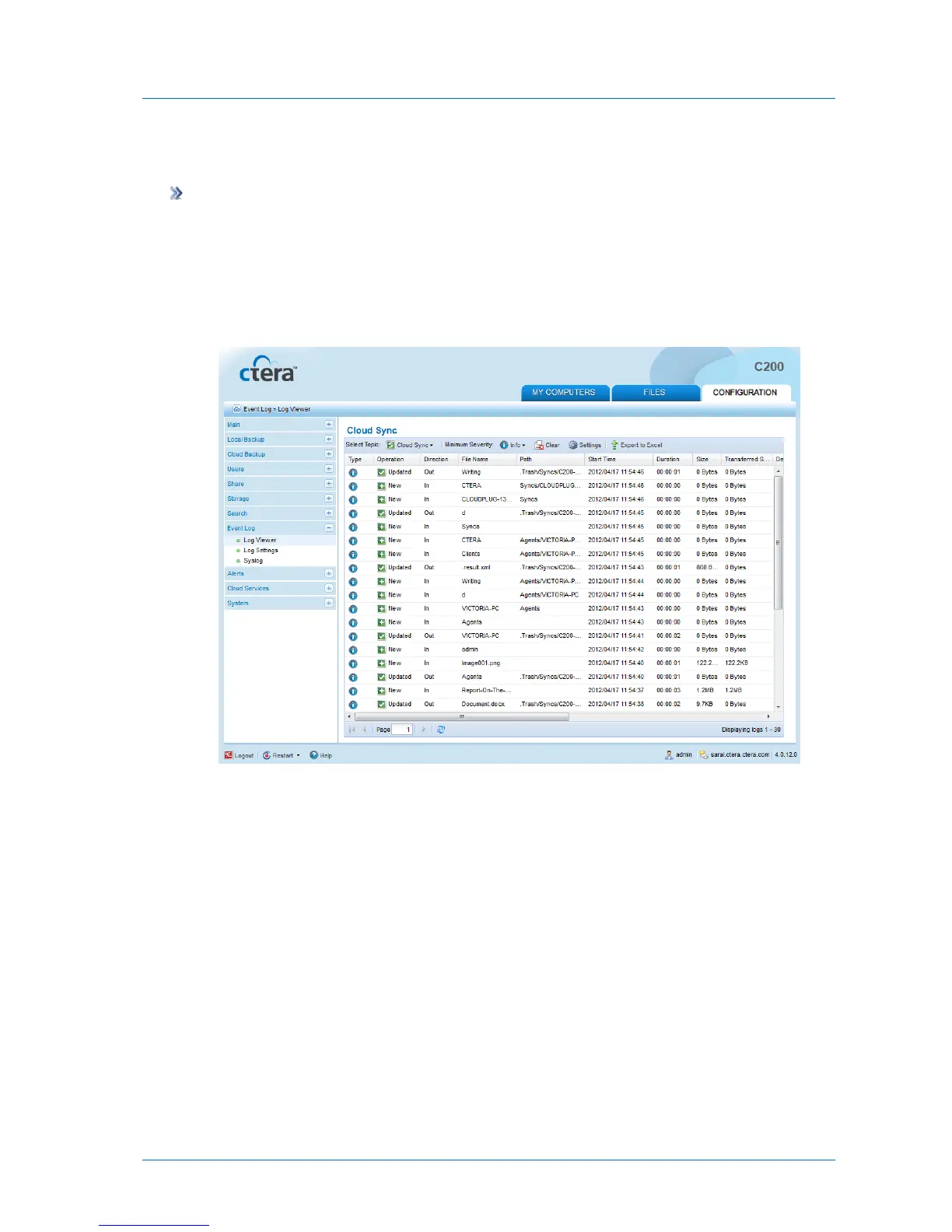
1 In the Configuration tab's navigation pane, click Event Log > Log Viewer.
The Event Log > Log Viewer page appears.
2 In the Select Topic drop-down list, select Cloud Sync.
The Cloud Sync logs appear.
The following information is displayed:



 To Next Page